
Features /
gluu features
One platform to map, run and improve every process
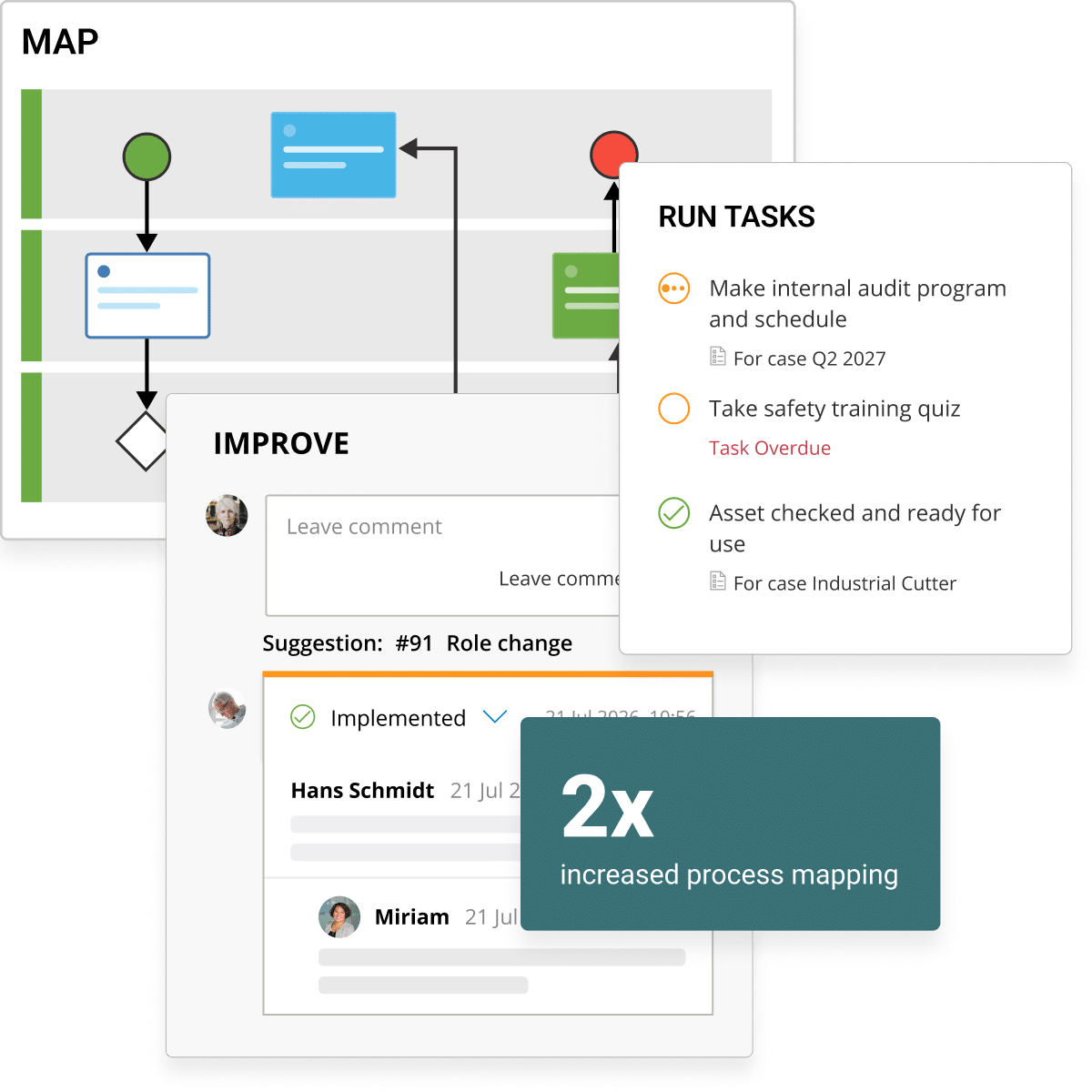
Gluu connects process mapping, work instructions, tasks, forms, communication and reporting in one workspace, so a process stays visible and current from strategy down to the shop floor.

BPMN 2.0
APQC PCF
ISO
What it is
Gluu is a Business Process Management platform built to close the gap between how work is documented and how work actually gets done. Unlike traditional BPM tools that target a small group of specialists and produce static documentation nobody opens, Gluu is built for the people doing the work: Process Owners map and own processes, attach instructions people actually follow, execute tasks and cases day to day, and route improvements back into that same structure — instead of a separate change-management exercise nobody has time for.
Outcomes
2x
more processes
mapped in year one
40%
less time spent
onboarding new staff
10x
more business-user
engagement
Features for 360-degree process management

Process management
Show and manage all processes consistently, with the right amount of flexibility.

Process architecture
Manage your process hierarchy through all levels. Drill down from the top level to a specific activity.

Forms and data
Create forms and capture data right when work is done. Work with a library of reusable forms.

Work instructions
The process explains ‘what is done and who is responsible’. Then the natural next step is to explain ‘how to do it’.

Process improvement
Tools to succeed with continuous improvement. Customers report up to 10x more business-user engagement using Gluu.

Communication
Collect ideas, analyze and communicate changes in a closed-loop flow.

Task management
Manage all scheduled tasks related to your processes.

Case & project management
Run cases or projects as repeatable process flows. Turn any process into a repeatable best practice flow.

Role and competency management
Assign roles to activities, track competencies against them, and keep training and access aligned as people and responsibilities change.

Integrations & API
If you want your data to be stored in other systems, then Gluu’s API and standard integrations can do just that.

Add-ons
Extend an Essential or Advanced plan with the depth your organization needs, without moving everyone to a bigger bundle.
BUILT FOR THE PEOPLE DOING THE WORK
Platform-wide capabilities
Access and security
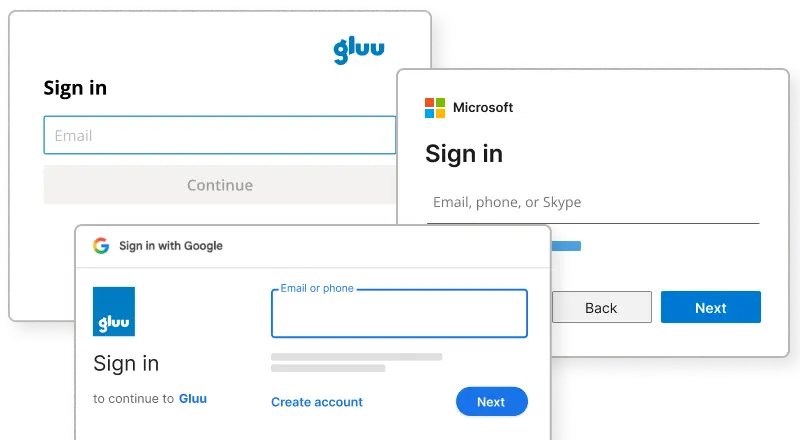
Multiple sign-in options
Sign in by email, Microsoft or Google, with enforced options where you need tighter control.
Access and security
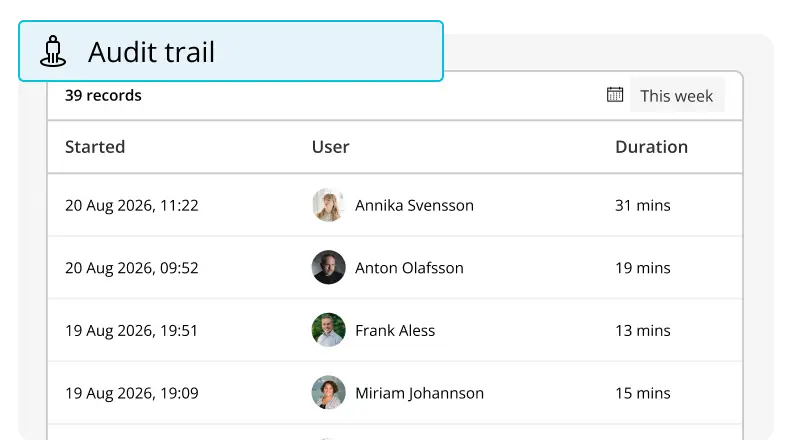
Full account audit log
Search every user action across every module in one central trail
Languages and locations
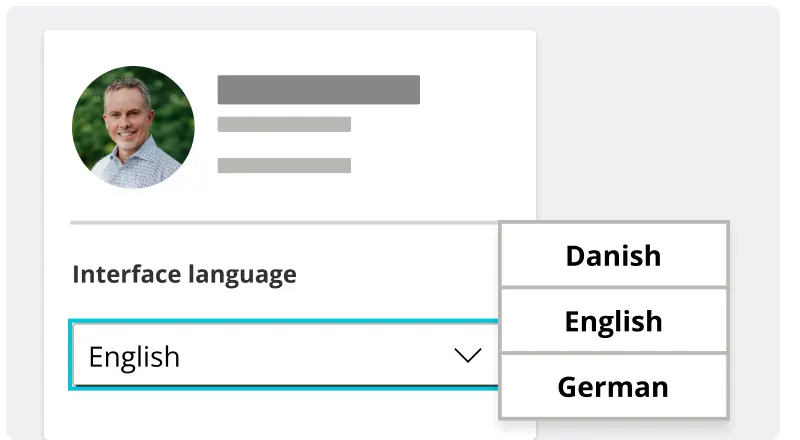
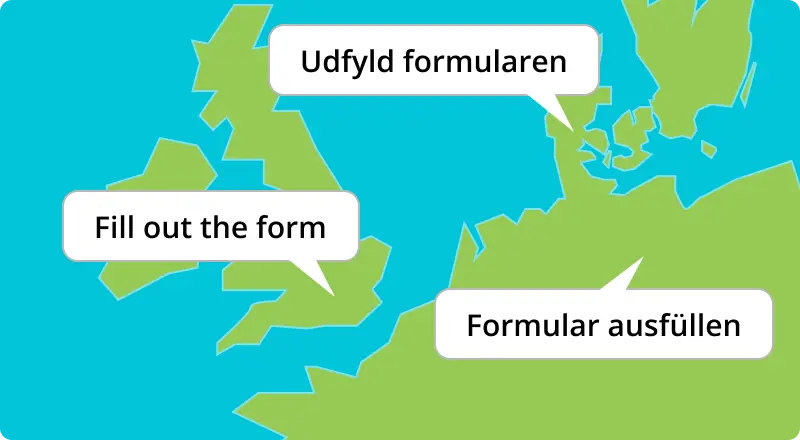
Multi-language interface
Set the interface language per user or account, in English, German or Danish.
Languages and locations
Localized content
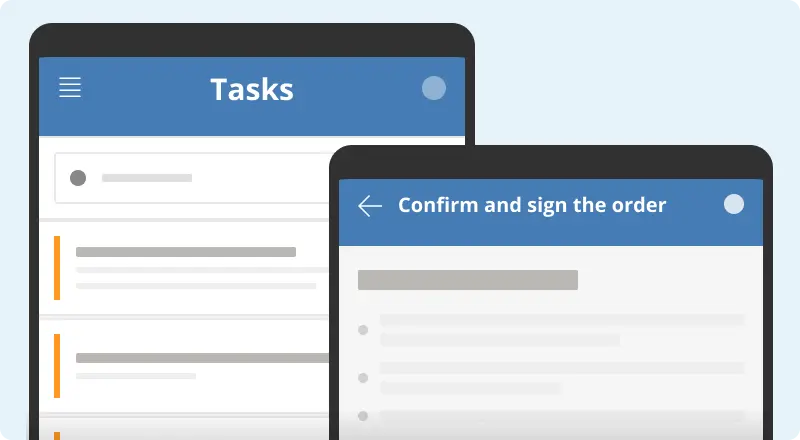
Show instructions in each user’s preferred language automatically
Languages and locations
Mobile apps
Use the same iOS and Android app to complete tasks, submit forms or leave comments, wherever the work starts.
Organizing content
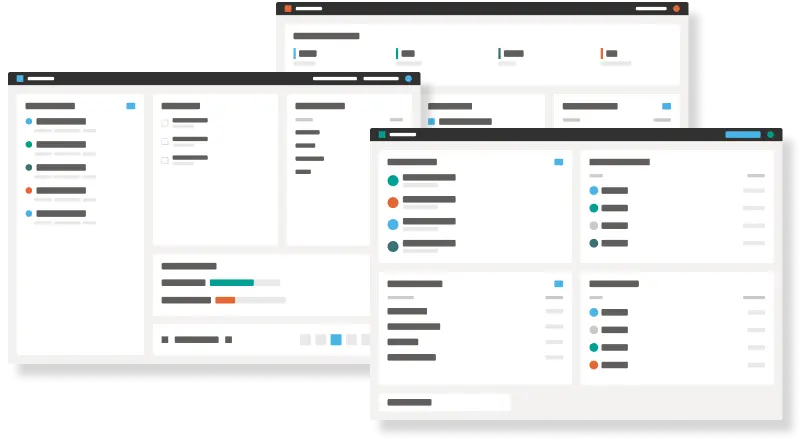
Customizable dashboards
Build a dashboard from saved filters for a role, a team or yourself.
Organizing content
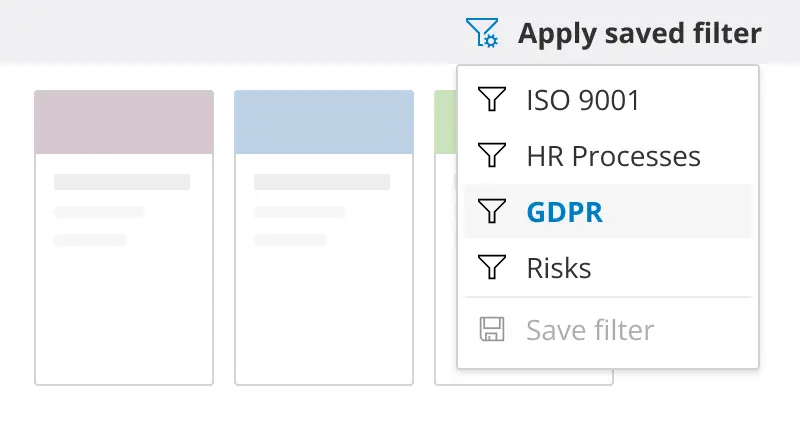
Shared filtering across the platform
Save a filter once, then reuse it on any dashboard, list or report in Gluu, not just one module.
Organizing content
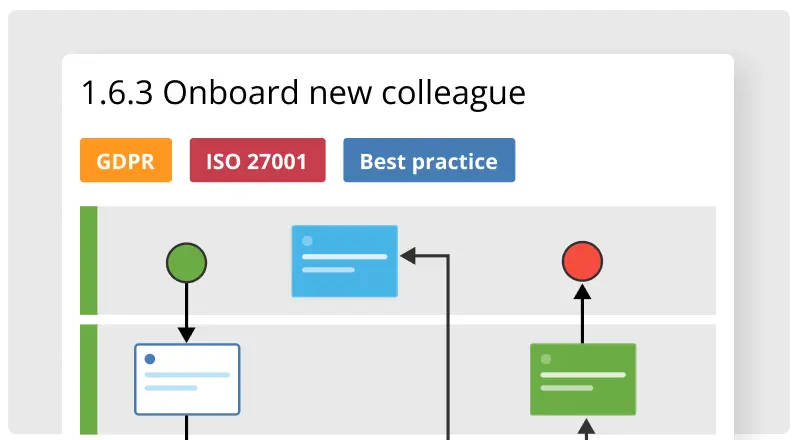
Content labeling across the platform
Add labels to processes, instructions or comments to help organize and find content across Gluu.

Organizing content
Customizable fields
Add fields to processes, tasks or forms to match the data your team actually tracks.
Sharing
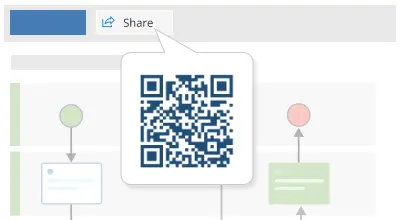
QR code and shortlink sharing
Turn any process or instruction into a QR code or shortlink for the shop floor, a printed sheet or an external visitor.
Sharing
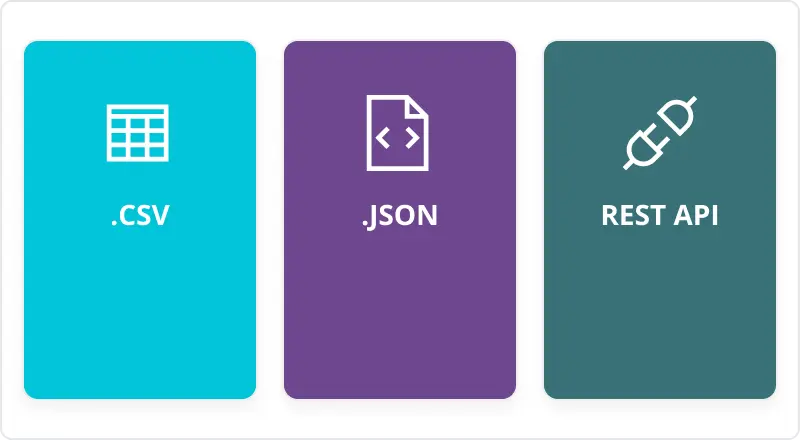
Multiple data export options
Export as .xls, .csv, JSON, or pull it programmatically through the REST API.
Sharing
Document management
Store and update documents linked to a process, task or role in one structured place
Frequently asked questions
This page is the overview — what Gluu covers end to end, and the platform-wide capabilities (AI, multi-language, security) that run underneath every category. Each card below routes to a focused page on that specific capability, with its own benefits, outcomes and detail.
Both. Refine Consulting brings Gluu to construction firms “at very different levels of digital maturity,” and customers map 2x more processes in their first year regardless of starting size — the platform is built to scale up as an organization’s process maturity grows, not to require a large team to start.
Yes. Sign-in can be locked to Microsoft, Google or another identity provider, every account action is logged in a filterable, exportable audit trail, and integrations run over a documented REST API with scoped tokens. See Integrations & API for the technical detail.
Yes. The interface can be set per user or account across English, German and Danish, and instructions are localized to match each person’s preferred language automatically — see our documentation on translating processes and work instructions for how that works in practice.
No — it’s built into the categories you’re already using: drafting work instructions, suggesting tasks, and enriching role definitions, surfaced contextually on whichever page you’re working on. See the Gluu Assistant documentation for the full list of what it can do today.
Connect, not replace. Gluu is the process layer that sits on top of the systems you already run, syncing to Microsoft 365, SharePoint, Power BI and others, plus an open API for anything else. Refine Consulting’s clients specifically use this to link “the process layer and the operational data layer,” rather than keeping them separate.
No. Most customers start with one or two categories — commonly Process Management and Work Instructions — and add Task Management, Process Improvement or Integrations as their process maturity grows, the same incremental pattern Refine Consulting describes for its own construction clients.
Written and reviewed by
Last updated