
Features /
Process improvement
Turn frontline feedback into a communicated process change
An idea about how work should be improved is easy to lose – agreed in a comment, then forgotten in some mailbox. Gluu turns a comment into formal change suggestion, routes it through review and a defined approval, and publishes the result as a new, versioned change once it’s signed off – easily managed by the right owner.
What it is
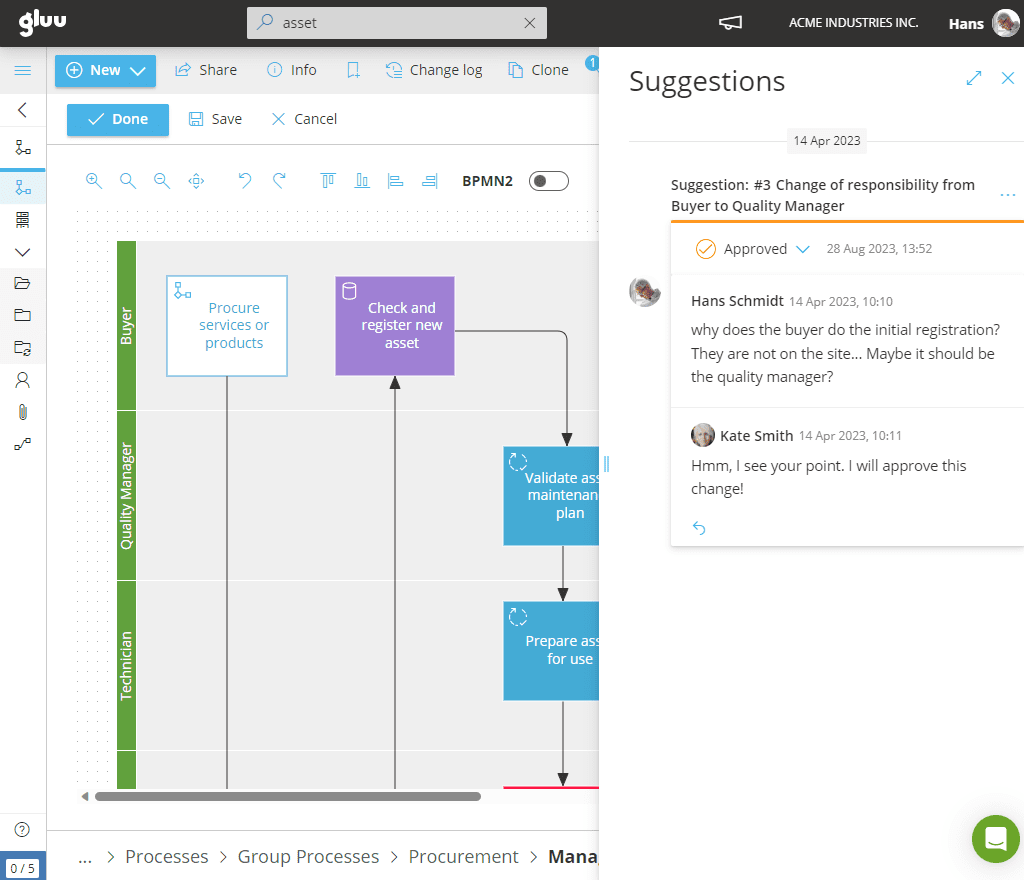
In Gluu, process improvement is the loop that turns a comment on the work into a published change – not a methodology or framework, but the mechanism that carries an idea from “someone noticed something” to “the process now reflects it.” Any comment can become a formal change suggestion, and any change suggestion can move back to a comment if it isn’t ready to be formalised yet.
Once submitted, a suggestion moves through a visible status — Open, In Review, Approved, Implemented, Rejected or Closed — so editors and owners can discuss it, add detail, and decide before anything changes in the live process. When it’s approved, an editor updates the process or work instruction and bundles the change into a new version, named and versioned automatically, with the discussion and history attached. Depending on how a process is configured, that version publishes automatically once approvers sign off, waits for someone to release it manually, or requires a designated approver — such as a Quality Manager — across every process on the account.
Why it matters
From comment to published change, without the workflow leaving Gluu

A comment can become a version, without switching tools
Turn any comment into a change suggestion in one click, discuss it in place, and – once approved – fold it straight into a new version of the process. The idea, the discussion and the eventual change all stay on the same thread.

Set the guardrails once, per process
Not every process needs the same level of scrutiny. Leave approval off for low-risk processes, require it only for the ones that matter, or enforce a single account-wide approver – such as a Quality Manager – for anything in a regulated area. The rule is set once, not re-decided every time someone submits an idea.

Improvement comes from the people doing the work, not just a central team
At Berry Superfos, digitizing the path from comment to change took employee involvement in process improvement from 10% to 90% – because raising an idea stopped requiring a meeting or a form, and started being part of using the process itself.

Every change has a name, a date and a reason attached
Versions are named snapshots, not silent overwrites – each one keeps the change suggestion, the discussion and a before/after comparison attached, so anyone can see not just what changed, but why.
Outcomes
10% → 90%
employee involvement in process improvement,
after digitizing the path from comment to change
90%
less time spent managing tasks
and forms following the switch
25K
tasks and registrations now flowing through the same digital loop each year
“With the Gluu platform, we are able to find new improvement opportunities, as it is easier to understand and optimize our cross-functional processes from initial order taking all the way through to production.”
Jakob Lund, former factory manager, Superfos Randers
Explore process improvement
Six ways to turn feedback into a better way of working, all in one place
Change suggestion flow
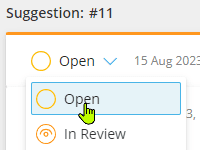
Move an idea from comment, through discussion and approval, to an implemented, versioned change — start to finish.
Automatic case reporting
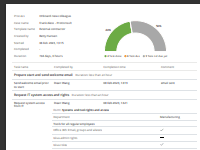
Every implemented change keeps its full record — what changed, why, and who approved it — ready to show impact, not just log it.
One-click change communication
The moment an approved change goes live, everyone affected is notified automatically — closing the loop from idea to published version.
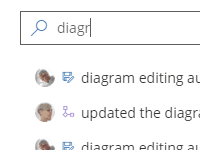
Automatic change log
Automatically log every change to activities and processes in a searchable change history log.
Task progress tracking
Compare time spent on a task before and after a change ships, so you can show whether an improvement actually worked.
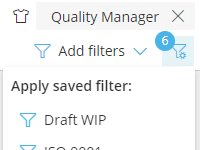
Advanced, shared filtering
Filter and save views of change suggestions by status, process or owner — a live backlog of improvement in progress.
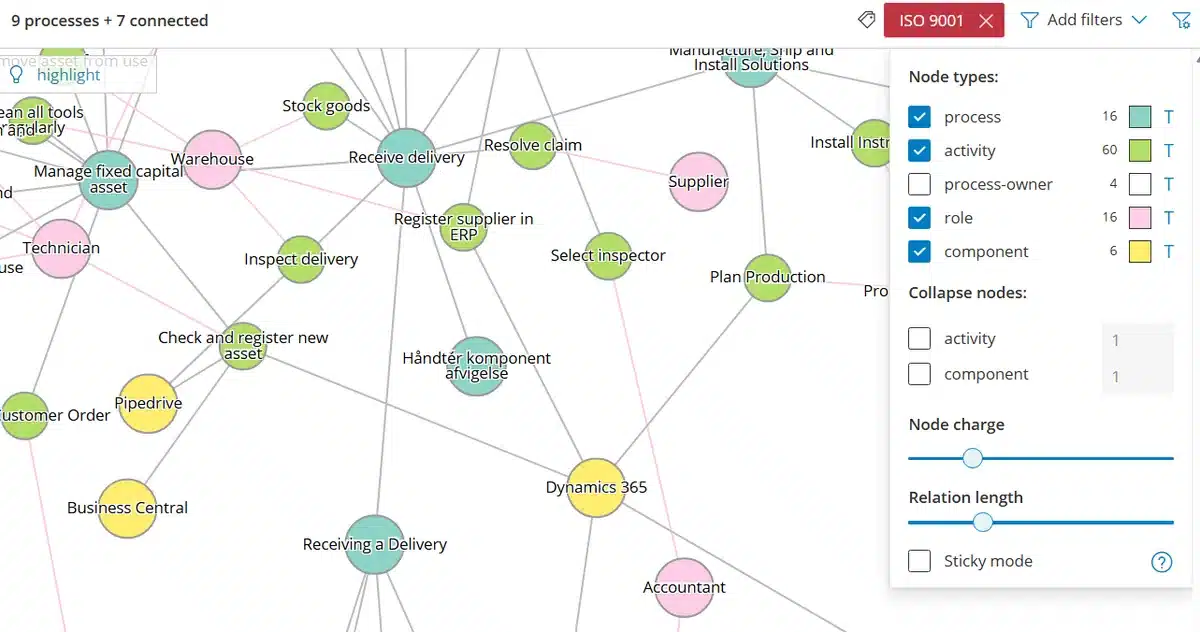
See the impact before you approve it
Open the Explorer on the Process or Activity behind a suggestion and see everything connected to it — every other Activity, Role and system Component involved — so you know the full impact before you approve the change.
Frequently asked questions
A comment is a question or a note attached to a process or activity. A change suggestion is a comment that’s been formalised as a proposed change — it gets its own status (Open, In Review, Approved, Implemented, Rejected or Closed) and can be discussed and tracked through to a published version. Either can be converted into the other at any point.
No. Approval requirements are set per process — some processes publish changes automatically once all reviewers approve, some require someone to manually release the version, and highly regulated processes can require a fixed, account-wide approver in addition. Low-risk processes can skip approval entirely.
Yes. Every version is a named snapshot, and Gluu keeps a full change log of revisions and versions. You can compare any two points in time and restore specific attributes from an earlier version rather than redoing the work from scratch.
Everyone with a role affected by the process or activity that changed — automatically, at the moment the new version publishes. You choose the standard summary text, but no one has to remember to send the update themselves.
It’s the same underlying feature, viewed from a different point in the process. Work Instructions frames it as suggesting an edit to one instruction; Communication frames it as turning a conversation into a proposal. This page is where the full loop — comment, review, approval, implementation, and versioned publish — comes together end to end.
No. Process owners and editors manage change suggestions and approvals directly — including setting who must approve, at the process or account level — without a developer or admin in the loop.
Written and reviewed by
Last updated
All Features
Keep exploring the platform
Ready to turn feedback into a published process change?
Gluu free 30-day trial. No credit card required. Start from €24 / year.