
Features /
Process architecture
Start from the APQC framework, not a blank page
APQC import adds the APQC Process Classification Framework to your Gluu account as a ready-made hierarchy of categories, groups, processes and activities. The framework is pre-loaded, so you select the parts that fit your organization and import them in minutes — then adapt the naming, remove what you don’t need, and assign roles.
 APQC PCF pre-loaded
ITIL and Dynamics 365 too
What it is
APQC’s Process Classification Framework (PCF) is a cross-industry model that organizes business processes into categories, groups, processes and activities — a shared vocabulary for work that organizations across industries benchmark against. In Gluu it arrives as structure you can import rather than a document you have to interpret: every row carries its PCF ID, hierarchy ID, type, name and outcome, and whatever you select becomes part of your own process hierarchy.
The framework gives you the levels and the boundaries. What sits around them — ownership at each level, the value chain above, the work instructions underneath each activity — is the wider capability this belongs to: see how the full structure works, level by level.
Why it matters
Why start from a standard framework?

A structure you don’t have to invent
Designing a hierarchy from nothing means months of workshops before anyone documents a single process. Starting from the PCF means the levels, the naming and the boundaries are already settled by a model built for cross-industry comparison — so the argument about structure stops blocking the work.

The processes nobody thought to mention
Workshops capture the work people remember. A framework shows the complete picture, including the processes that only surface when someone leaves or an auditor asks. You see the gaps between what is documented and what actually happens while they are still cheap to close.

The same vocabulary as the systems around it
Gluu supports ITIL and the Microsoft Dynamics 365 process catalog alongside APQC, so the processes in Gluu can line up with the catalog an ERP or service-management project is already working from — instead of two teams describing the same work in two different structures.
How it works
How does APQC import work in Gluu?
Importing is a five-minute job for an administrator. Adapting what you imported — the naming, the ownership, the parts you skip — is where the real work happens, and it is the part that makes people recognize their own work in the structure. Step-by-step instructions live in the guide to importing standard processes.
1. Open the APQC panel in account settings
There is nothing to download or install first — the framework is already in your account. An administrator opens the APQC panel under account settings to see it.
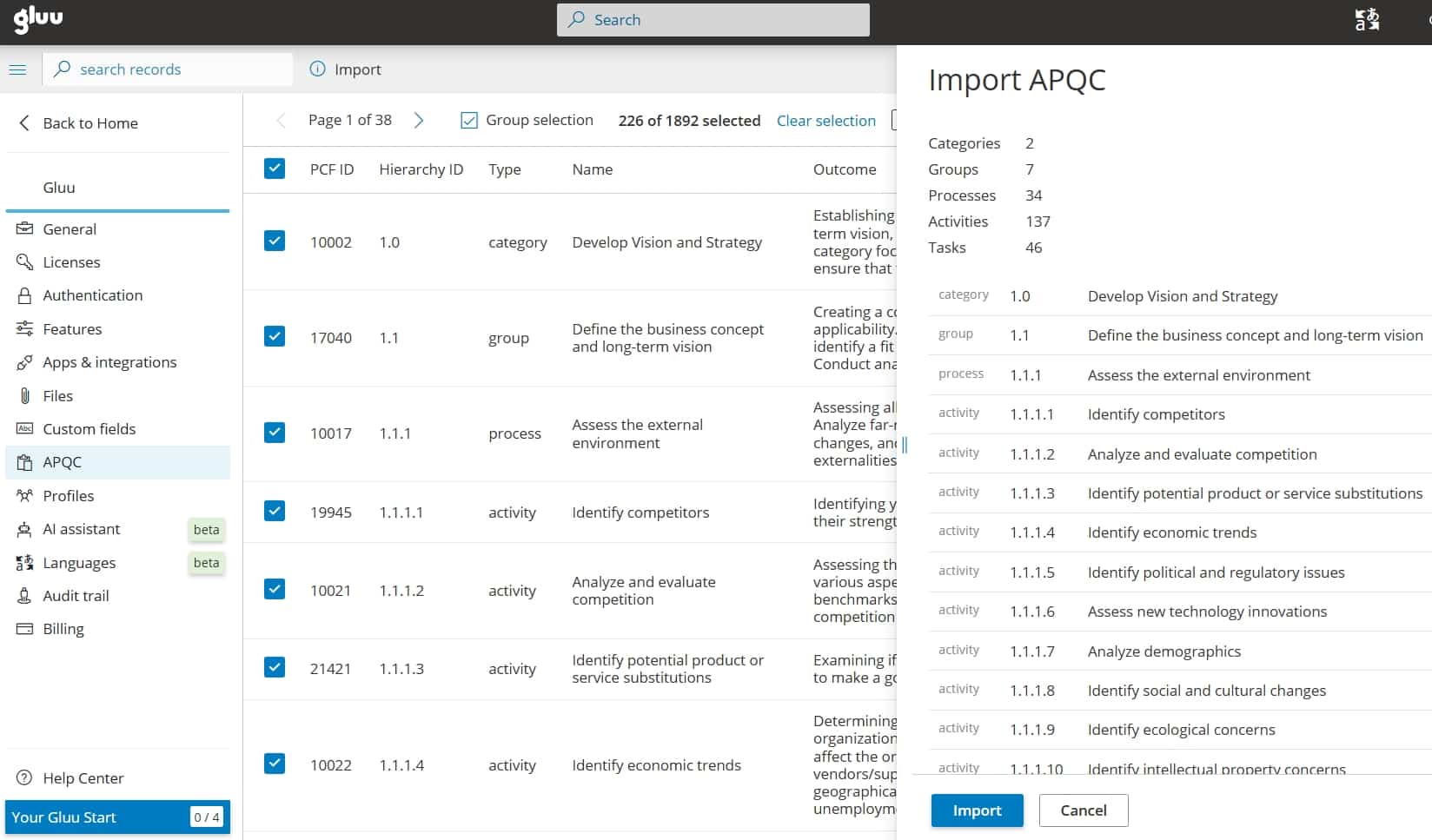
2. Browse the framework as a table
Categories, groups, processes and activities are listed as rows, each showing its PCF ID, hierarchy ID, type, name and outcome. You read the framework in one place instead of cross-referencing a spreadsheet against a PDF.
3. Select the scope you need
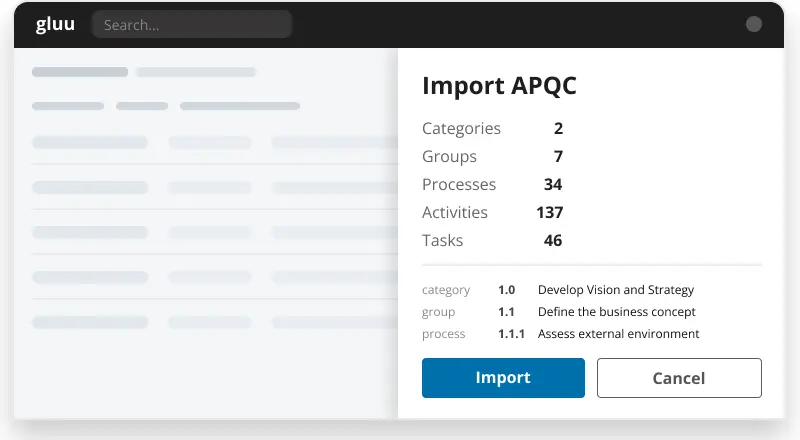
Take a whole category, drill down to individual groups and processes, or pick out a handful. The summary panel on the right counts everything selected, so you know the scope before you commit. Then click Import.
4. Adapt the structure, then assign roles
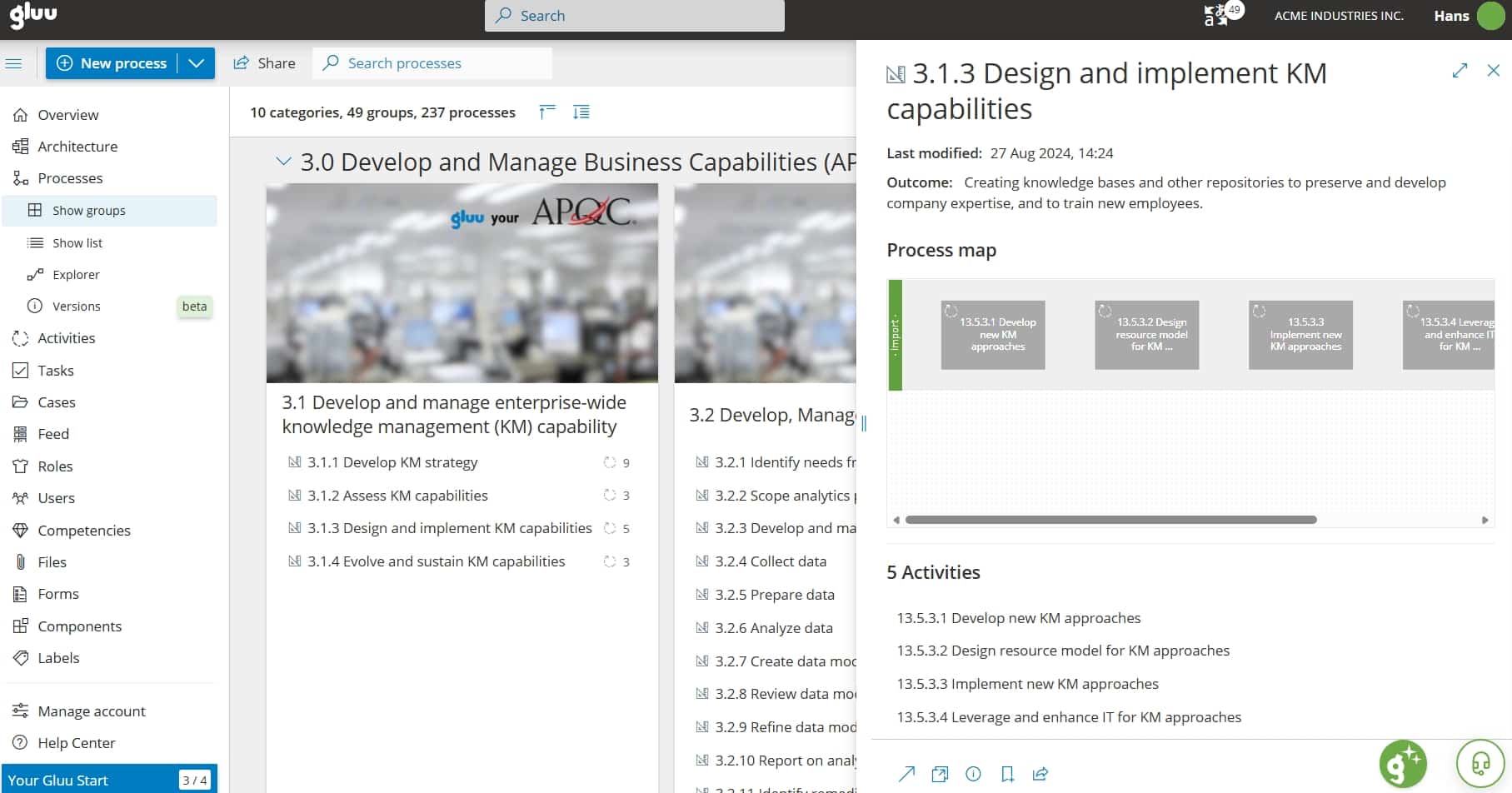
Imported items appear in the process overview under their framework categories, where you can rename groups into your own language — including localizing the wording for a specific site — remove processes you do not run, and open each one in the editor. APQC describes what work happens, not who does it, so imported activities arrive without role assignments: assign each activity to the organizational role responsible, using a RACI matrix where several people are involved.
5. Blend in other frameworks, or your own
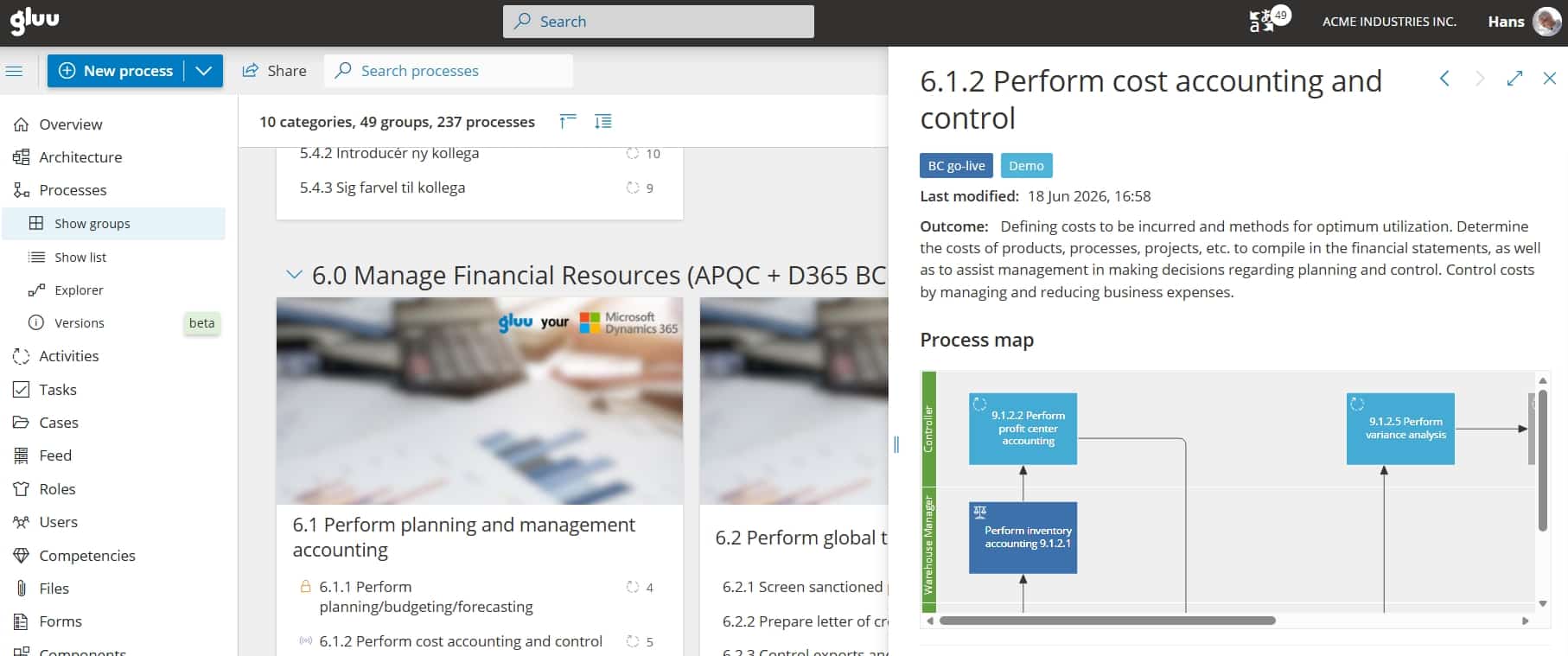
APQC is the default, not the only option. You can build around ITIL for IT service management, or the Microsoft Dynamics 365 process catalog when work is tied to that ERP, and combine a framework with your own process names. If your processes already live in a spreadsheet, the Gluu support desk sets up a CSV import for you.
Availability
APQC import is available on the Advanced plan, where the APQC panel sits under account settings. The framework itself is pre-loaded — there is nothing to install or import into Gluu first. See what each plan includes on the pricing page.
Frequently asked questions
No. APQC’s Process Classification Framework is pre-loaded in Gluu. You open the APQC panel in account settings, select the items you want, and import them into your process hierarchy. Importing requires the Advanced plan.
Yes. Select a single category, a few groups, or individual processes and activities. The summary panel counts everything selected, so you can check the scope before you confirm the import.
APQC defines what work is done, not who does it. Imported activities therefore arrive without role assignments, and you assign each one to the organizational role responsible — using a RACI matrix where responsibility is shared between several people.
Yes. Gluu supports ITIL and the Microsoft Dynamics 365 process catalog alongside APQC, and you can combine a framework with your own process names — for example an APQC financial category next to Business Central processes.
Yes, with help. CSV imports are handled individually: send your file to the Gluu support desk and the team sets up the import. It is the usual route when you already have a process catalog that predates any standard framework.
The framework decides the structure, not the content. Groups get renamed into your own language, processes you do not run get removed, and every activity gets a named owner — which is what makes people recognize their own work in it. Adoption comes from the adapting, not the importing.
Written and reviewed by
Last updated
All Features
Keep exploring the platform
Ready to start from a proven framework?
Gluu free 30-day trial. No credit card required. Start from €24 / year.