
Features /
Task management
Tasks that show up at the right moment – and leave proof when they’re done
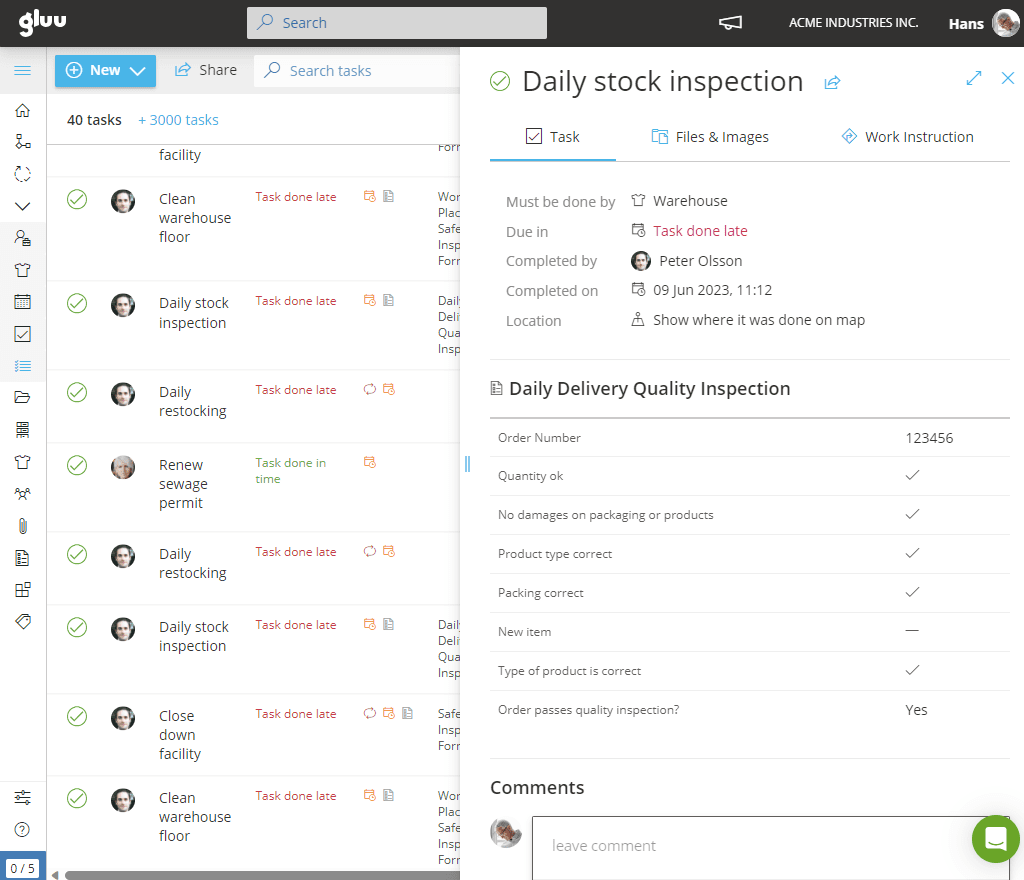
A recurring safety check, a monthly report, an onboarding checklist – each one shows up automatically to the right role, on schedule or the moment it’s needed, and gets logged the instant it’s done: who did it, when, and with what photo or form attached as proof.
What it is
A task in Gluu is the smallest unit of work that gets tracked to completion – one thing, assigned to a role, due by a certain time. Gluu supports two kinds: recurring tasks that auto-start on their own schedule (a daily machine check, a monthly report, a quarterly review), and case-based tasks that start on demand when a specific situation calls for them (onboard a new hire, set up a new customer). Either type can be created manually or suggested by the Gluu AI Assistant straight from a work instruction.
Tasks surface to whoever holds the right role — in a work overview, inside a case, or on the mobile app — not to one named person, so the work still gets done if the usual owner is away. Completing one is a single action: click to start, click to submit, attach a photo or form if the task needs proof. Every task is logged done, late or not done, and the record stays attached to the task afterwards.
Why it matters
Work that happens, whether or not you’re watching

Nothing gets forgotten just because someone’s out
Recurring tasks auto-start on their own schedule and show to whoever currently holds the role — not a specific person — so a critical task still happens on time even if its usual owner is away.

Proof of work, not just a checkbox
Require a photo or a form before a task can be marked done, so completion means the work actually happened the way it should — not just that someone clicked submit.

One task list, wherever people work
The same tasks show up in a work overview, inside the case they belong to, or on the mobile app in the field — so a desk-based planner and a field worker with a tablet are always looking at the same list.

A task list that writes itself
Open a work instruction and ask the Gluu AI Assistant to suggest tasks straight from it — review the suggestions, select the ones you want, and they’re created and ready to assign, instead of building a task list from a blank page every time.
Outcomes
80%
of tasks repeat from job to job
worth scheduling once, not rebuilding every time
Automatic logging
of time, place and photo
the moment a task is completed in the field
Zero paperwork gap
every task closes with its own time-stamped record
ready for any audit
“Projects are unique — but about 80% of tasks repeat from project to project. Repeated work can be described and mapped as processes, and that’s where the system must start.”
Martin Juhl, Chairman of the Board, Holbøll
Explore task management
Nine ways to make sure the work that has to happen, happens
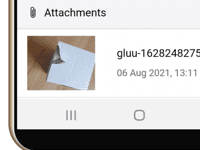
Photo documentation for tasks
Allow users to take photos in mobile apps as proof of task completion on-site or in the field.
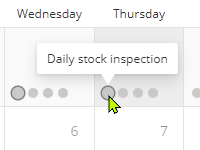
Shared task calendars
Create custom calendars with task views for departments, roles, certifications or standards.
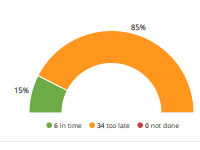
Task completion logging
Track if tasks are completed on time, late or not at all using detailed task completion logs.
Task progress tracking
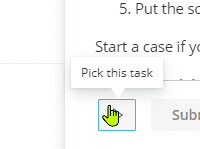
Start and stop a task to mark real progress as it happens, and capture exactly how much time the work took.
Embedded digital forms
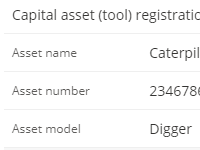
Attach a form to a task so the person doing the work submits the required data in the same action — proof it happened, not a separate step afterwards.
Share with users outside Gluu
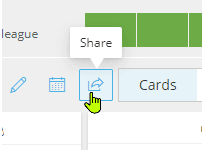
Send a supplier or freelancer a secure link to one task — no Gluu account needed, and nothing else on the platform exposed.
Recurring Tasks Creation
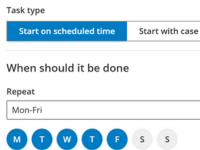
Create recurring tasks to ensure regular work is automatically added to relevant users or roles.
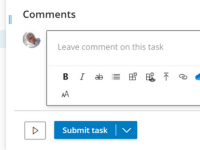
Task commenting
Comment directly on tasks to clarify expectations, share updates or request changes in context.
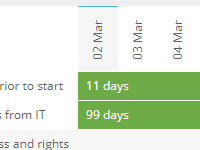
Task scheduling and prioritization
Give a task its own start and end date so you can filter and prioritize your workload by what’s due next — not just what’s already overdue.
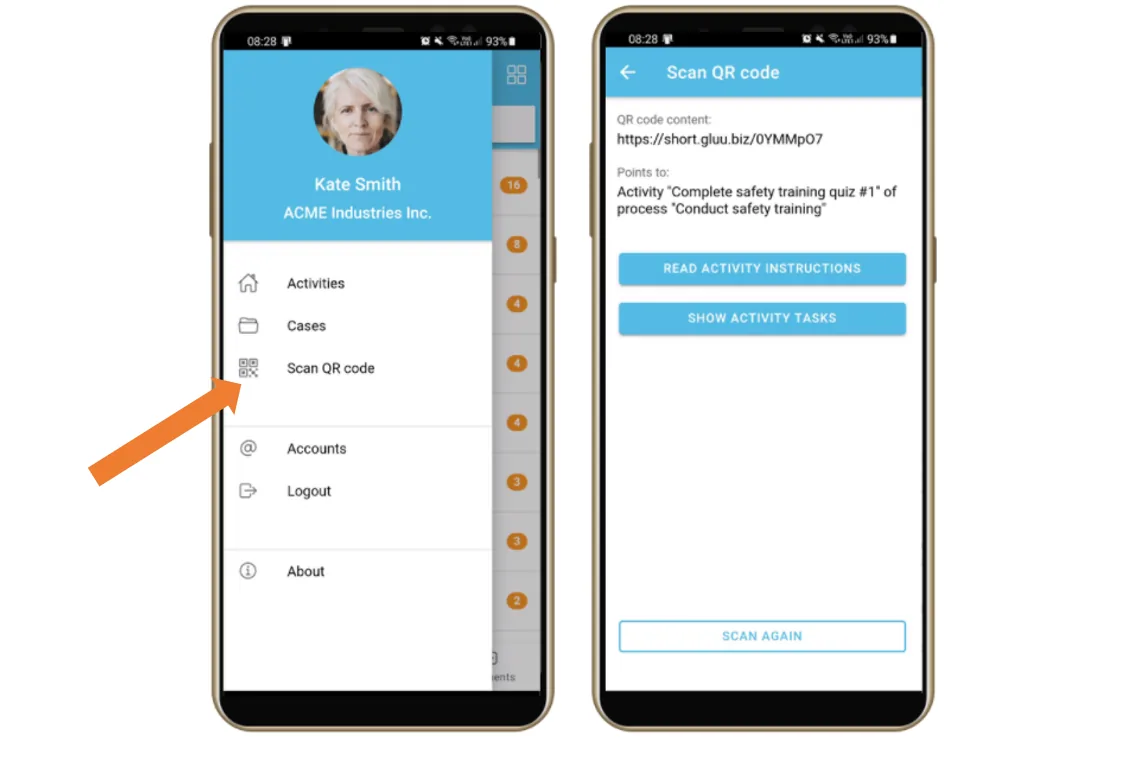
Mobile app
A simple Android and iOS app for frontline teams to see their tasks, complete forms and photos, and follow instructions on the move.
Frequently asked questions
A task is a single unit of work assigned to a role, due by a certain time. A case or project is the structured container that holds a set of tasks, sequencing and ownership for one instance of a recurring situation. Most real workflows use both: a case holds the tasks that make it up.
A recurring task auto-starts on a schedule you set — daily, weekly, monthly — and keeps generating new instances on its own. A case-based task starts on demand, the moment a specific case or situation needs it, and isn’t tied to a calendar.
No. You can create tasks manually, or ask the Gluu AI Assistant to suggest case-based tasks directly from a work instruction — review its suggestions, select the ones you want, and they’re ready to assign.
Nothing changes on your end. Tasks show to whoever currently holds the assigned role, not to one named person, so the work still surfaces and still gets done even when someone’s out.
A task is the unit of work being tracked — start it, do it, mark it done. A form can be attached to a task to capture data while the work happens, but the task itself is what gets scheduled, assigned and logged.
Yes. Every task is logged as done, late or not done, with a timestamp and, if required, a photo or form attached. That task log can be filtered by date range and exported for analysis or audit.
Yes. External users such as suppliers or freelancers can be sent a secure link to one specific task, without needing a full Gluu account or access to anything else on the platform.
Written and reviewed by
Last updated
All Features
Keep exploring the platform
Ready to stop chasing tasks and start proving they’re done?
Gluu free 30-day trial. No credit card required. Start from €24 / year.