
Features /
Role and competency management
A role library that decides who sees what
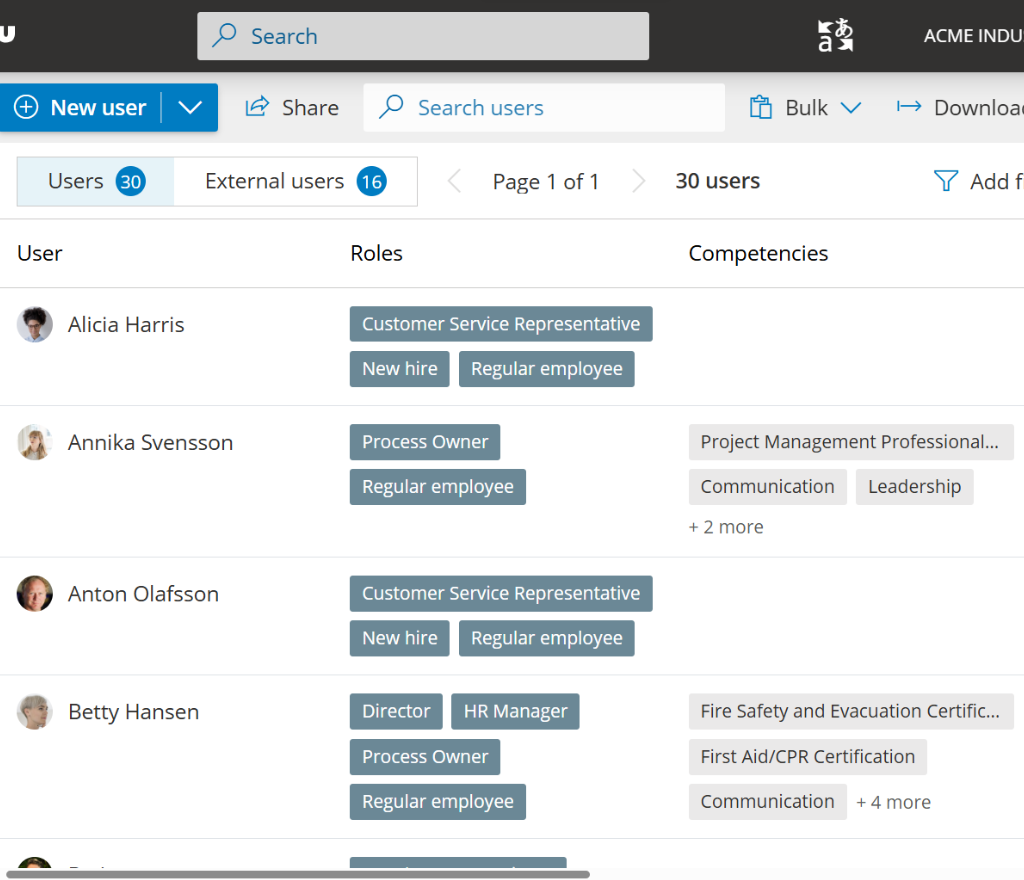
Gluu lets you build a library of roles – each with its own purpose, responsibilities and objectives – and assign people to them so their role decides what they can see and do. Add the HR Manager add-on to layer in competencies: ratings and certificates that show who’s actually qualified for each role.
 Role library included in every plan
What it is
A role in Gluu is a functional job role – not a system login permission – with its own purpose, responsibilities and objectives, reusable across every process it appears in. Assigning someone to a role is what makes them a member with access to that work: role membership is Gluu’s default access model, so who can see and do what follows directly from the roles they hold, with no separate permissions setup.
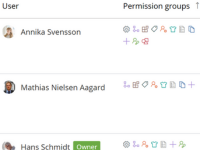
Managing the role library itself is a separate permission from simply being assigned to a role, so you can hand it to one team – HR, for example – and keep a single, consistent set of roles instead of duplicates created independently across the business. Roles appear directly in your process diagrams as swimlane lanes, so the person responsible for a step is always visible in context.
With the HR Manager add-on, you can go a layer further: attach competencies – a 1-5 rating or a certificate that can carry an expiry date – to a role as a requirement, and to a user as what they actually hold, so Gluu can show who’s not just assigned, but qualified.
Why it matters
Built for clear ownership, not guesswork
One role, reused everywhere
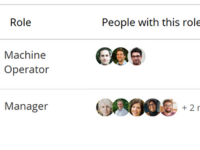
Define a role once – its purpose, responsibilities and objectives – and it appears automatically as a swimlane lane in every process where that role is responsible, instead of redefining it page by page.
Included in every plan
Role management is its own permission
Managing the role library is a distinct permission from being assigned to a role, so you can hand ownership to one team, such as HR, and stop different people creating duplicate roles across the organization.
Included in every plan
Competency as a finer check, and a compliance record
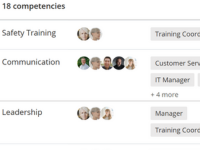
Being assigned to a role means you’re a member. A competency rating or certificate on top of that shows whether you’re actually qualified, flags it before a certificate lapses, and gives you a record to point to at audit time.
HR Manager add-on
What customers say
“The role division in each process really helps us get a clear overview of tasks and responsibilities of each employee.”
Maiken B., Technical Communicator, Software
Explore role and competency management
How does role and competency management work in Gluu?
Build your role library
Create roles once, each with a purpose, responsibilities and objectives, and see everyone currently assigned to each one in a single list.
Included in every plan
Add competencies as a finer layer
Attach one or more competencies to a role, a 1-5 rating or a certificate that can expire, and Gluu compares them against what each assigned user actually holds – useful for tracking certifications a role needs for compliance and audit purposes.
HR Manager add-on
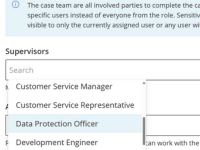
Keep sensitive cases visible to the right roles
Mark a case confidential and restrict visibility to specific supervisor roles or the currently assigned user, instead of leaving it open to everyone on the team.
HR Manager add-on
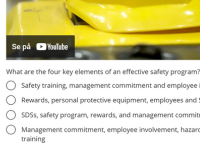
Run training across your team
Launch a multiuser training run to bring a group up to the competency a role requires, rather than tracking each person’s training one by one.
HR Manager add-on
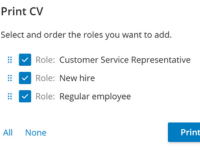
Print a CV for any user
Select the roles you want included and generate a CV straight from a user’s assigned roles, tasks and competencies – useful for audits, onboarding packs, or proving capability to a certification body.
HR Manager add-on
Creating roles and building your role library is included in every Gluu plan. Adding a role’s purpose and instructions is Essential and above. Competency management, multiuser training, confidential cases and CV generation are the HR Manager add-on on the Advanced plan – useful for tracking certifications and competency records for compliance and audit purposes. Provisioning system access via Active Directory groups is a separate Enterprise Security add-on. See what’s included in each plan on the pricing page.
Frequently asked questions
A role is the functional job: its purpose, responsibilities and the swimlane lane it owns in a process. A competency is a measurable rating (1-5) or a certificate, set as a requirement on a role or held by a user. Roles decide who has access; competencies show who’s actually qualified.
Creating roles, building a reusable role library, describing each role’s purpose and responsibilities (Essential and above), and assigning people so their role controls what they see – all included, no add-on required. Managing the role library is its own permission, so you can restrict who can create or edit roles.
Competency ratings and certificates, multiuser training runs, confidential case handling and CV generation – a layer of qualification tracking on top of your roles, useful for compliance and audit records.
Yes. A competency set up as a certificate can carry an expiry date, so you can see in advance which team members are about to fall out of compliance for a role, rather than finding out during an audit.
No. Gluu ties roles and, optionally, competencies directly to the process work they’re required for, rather than managing HR records generally. It’s built for process governance, not as a standalone HR platform.
Directly in your process diagrams, as the swimlane lane responsible for each activity, and in the RACI matrix Gluu generates automatically from the process.
Written and reviewed by
Last updated
All Features
Keep exploring the platform
Ready to build your role library?
Gluu free 30-day trial. No credit card required. Start from €24 / year.