
Features /
Case & project management
Turn a mapped process into a repeatable, trackable case
Take a process you’ve already mapped and run it as a structured flow every time the same situation comes up — a new customer, an incident, a project — with a template, clear ownership, and a full record of what happened.
 ISO 9001 traceability
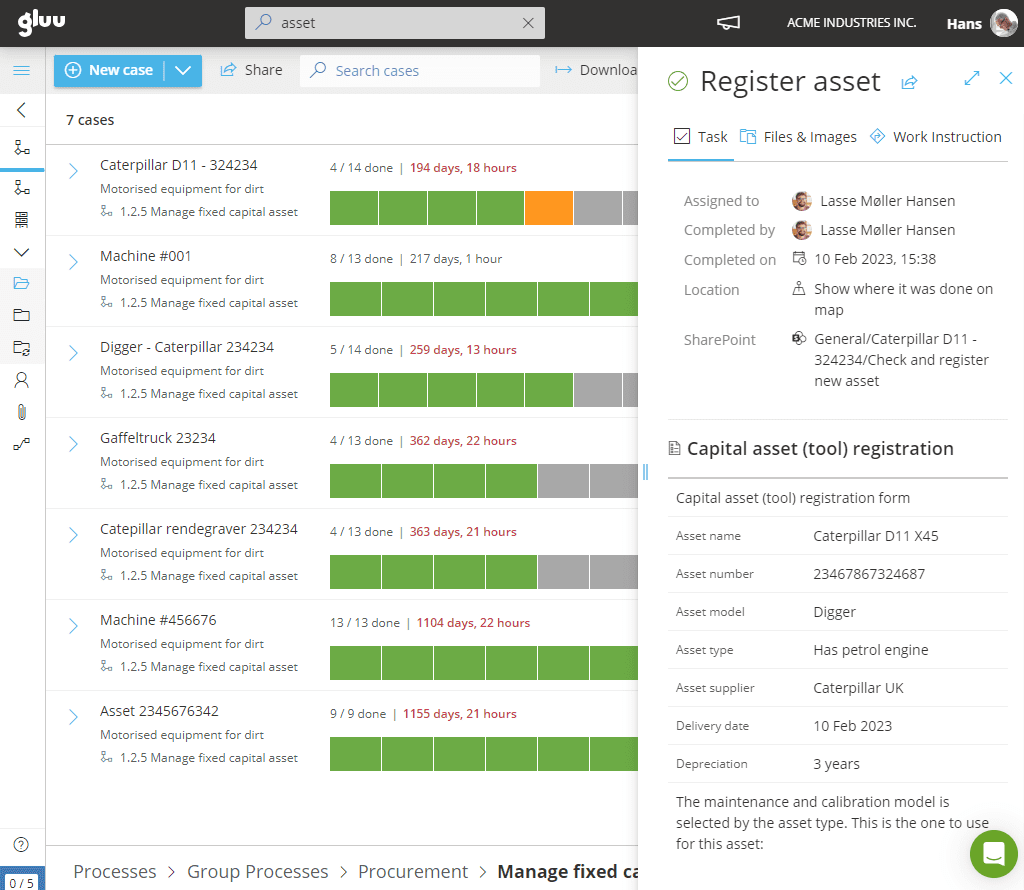
What it is
Case management is a way of handling work that can’t be fully standardized end-to-end, because each instance is shaped by context and changing information — a customer complaint, an incident, a new employee’s first weeks. Instead of one fixed script, teams work through a structured framework: clear ownership, milestones, rules and collaboration, until the case is resolved.
In Gluu, a case starts from a process you’ve already mapped. Turn that process into a case template — with its tasks, sequencing and case team already defined — and start a new case every time the same kind of situation comes up. Ad-hoc tasks handle exceptions without touching the underlying template, and every case leaves a record of who did what and when, so a repeatable flow doesn’t become a rigid one.
Why it matters
Repeatable, not rigid

One template, every time it happens
Build the case once — with its tasks, sequencing and team already defined — and every new instance starts from the same reliable structure instead of being rebuilt from memory.

See where every case stands, without asking
A live case overview shows who’s done what and when across every active case, replacing the status-check calls and emails that used to eat a manager’s day.

Room for the exception, without breaking the standard
A one-off task added to a single case doesn’t touch the template underneath it — the exception gets handled, and the next case still starts from the standard flow, not a copy of last time’s workaround.

A record you don’t have to chase down later
Every case leaves an automatic trail — what was done, by whom, and when — useful for anything from a customer escalation to a compliance audit, without a separate reporting step.
Outcomes
30%
more revenue
with the same headcount
Full project oversight
without manual status checks
across all active cases in real time
Automatic documentation
time, place, and photos logged
with every task, in one action
“Overview and improved scheduling limit errors such as unnecessary driving to tasks. We have been able to increase revenue by 30% with the same headcount due to our digitalization with Gluu.”
Kim Larsen, CEO, VME A/S
Explore case & project management
Nine ways to turn a process into a repeatable, trackable flow
Customizable case templates
Use templates to create variations of cases with predefined tasks, dependencies and flows.
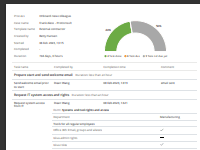
Automatic case reporting
Every closed case leaves an automatic report — the traceable record you need for compliance or a customer file, without a separate write-up step.
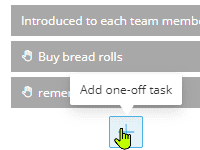
Ad-hoc task management
Let managers add one-off tasks during a case to handle exceptions without changing the process.
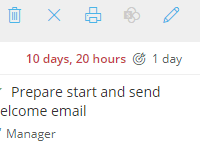
Case duration tracking
Set time targets for each activity and measure case durations to ensure performance is on track.
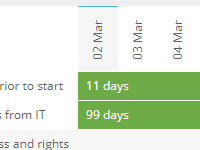
Task scheduling and prioritization
Add start and end dates to activities so you can filter and prioritize cases by urgency or timing.
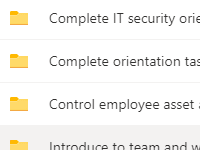
SharePoint case syncing
Automatically create case folders and store related documents in SharePoint for easy access.
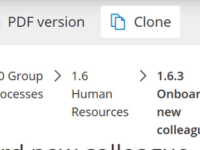
SharePoint template cloning
Clone templates in SharePoint from Gluu to automate file creation and avoid repetitive setup work.
Task progress tracking
Watch a case move in real time — see which of its tasks are done, in progress or overdue, without leaving the case overview.
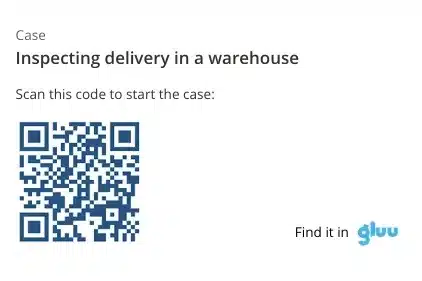
Scan to start a case
A QR label on a machine, a vehicle or a delivery bay starts the right case template in one scan from mobile.
Frequently asked questions
A task is a single unit of work. A case is the structured container that holds a set of tasks, sequencing and ownership for one instance of a repeatable situation — a specific customer, incident or project.
A case or project is the structured, repeatable container — the template, traceability, and duration tracking for a specific instance of a recurring situation. Our Task Management features cover the day-to-day mechanics of individual tasks — recurring creation, calendars, and completion on the ground. Most real workflows use both together: a case holds the tasks that make it up.
Yes. Ad-hoc tasks can be added to a single running case to handle a one-off exception, without touching the template that every other case still uses.
No. A case starts from a template you build once, based on a process you’ve already mapped. Starting a new case reuses that template — you’re not remodeling the workflow every time the same situation comes up.
Yes. External collaborators can be given a simplified view showing only the cases and tasks assigned to them, without needing a full Gluu account or any training on the platform.
Every case logs what was done, by whom, and when, as part of completing the work — not as a separate reporting step. That record is available per case and can be exported for analysis or audit.
Written and reviewed by
Last updated
All Features
Keep exploring the platform
Ready to turn your best process into a repeatable case flow?
Gluu free 30-day trial. No credit card required. Start from €24 / year.