
Features /
Work instructions
Give every activity a work instruction people actually follow
Attach clear, step-by-step guidance to each activity in your processes — written, visual or AI-drafted — so the work gets done the same way, whoever’s doing it. Seven ways to connect every process to the instructions that actually run it, all in one place.
 ISO-aligned
What it is
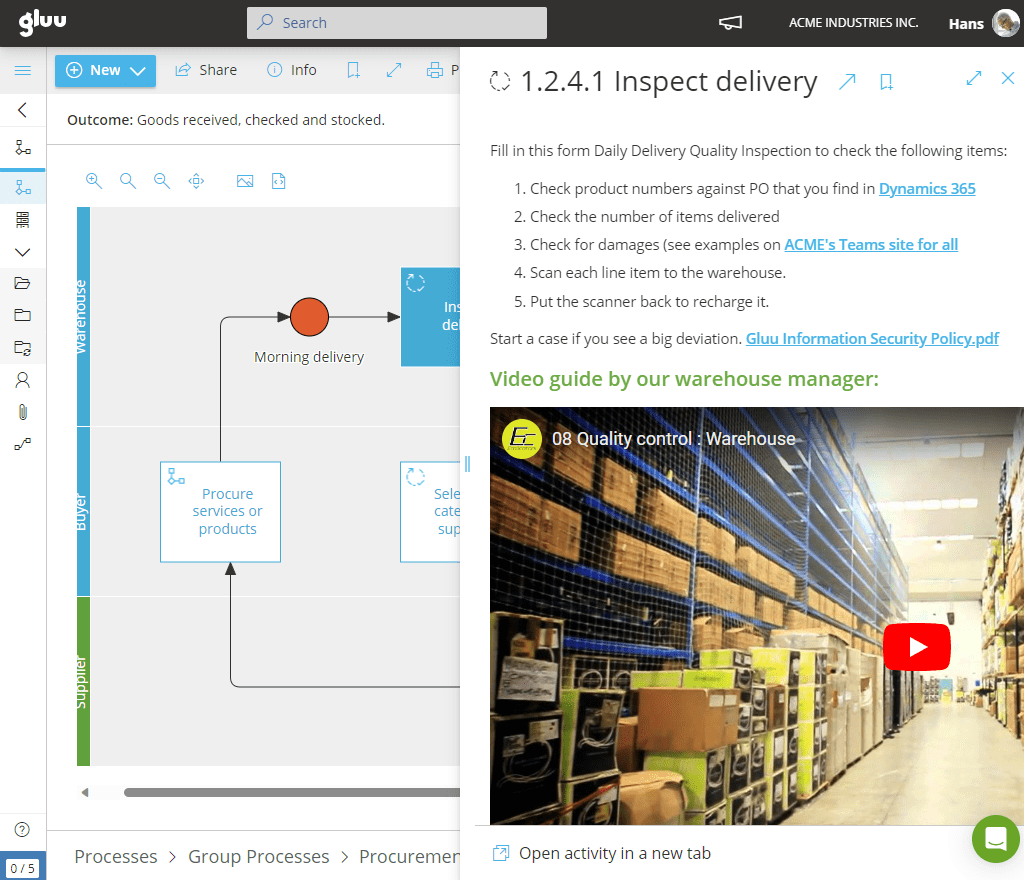
A work instruction is a step-by-step guide that explains exactly how to complete one activity within a process — the “how” underneath the process’s “what” and “who.” It documents the work precisely enough that it gets done the same way every time, regardless of who’s doing it. ISO draws a specific line here: a procedure describes an entire process, while a work instruction demonstrates a single, specific step inside it.
In Gluu, work instructions live inside the process itself, attached directly to the activity they explain — not in a separate manual, wiki or shared drive. Open an activity from the process map, and the instruction is right there: text, images, video or linked files, written manually or drafted first by AI from the surrounding process and role context. Update the instruction, and everyone with that role sees the current version automatically.
Why it matters
Built for the person doing the work, not just the person writing it

Instructions live where the work happens
No separate manual to find, no wiki page that’s three reorganizations out of date. The instruction for an activity is attached to that activity, inside the process it belongs to.

Written by the people who know the job, not just handed down
AI can draft a first pass from the process and role context, and shared components (a linked system name, a reference document) keep repeated content consistent without retyping it every time.

Change flows from the floor up
Anyone following an instruction can flag it as outdated and suggest the fix, instead of that feedback dying in a hallway conversation.
Outcomes
50%
of employees use the platform
at least 10 times per quarter
100+
times per quarter for the active
process owners maintaining instructions
“We’ve got a more vibrant system, that users have increasingly embraced. It has gone from being a paper tiger into something more alive.”
Claus Schmidt-Laugesen, Managing Director, Ennova
Explore work instructions
Ten ways to connect every process to the instructions that actually run it
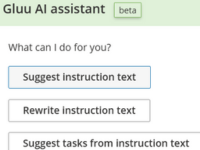
Automatic work instruction creation with AI
Generate step-by-step instructions automatically with AI based on your process and role content.
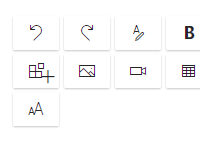
Integrated work instructions and SOPs
Build step-by-step instructions with text, media and files to explain how and why work is done.
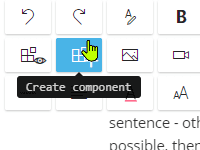
Reusable work instruction components
Turn selected content into components to be reused across processes, saving time and effort.

Activity-level edit rights
Assign owners and sub-editors to specific activities to distribute responsibility within teams.
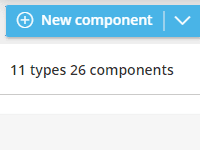
Reusable shared assets
Create a shared library of assets such as links, legal content or tools to reuse across instructions.
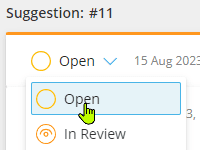
Change suggestion flow
See something outdated in a work instruction? Turn your comment into a suggested edit right there, ready for the owner to review and approve.
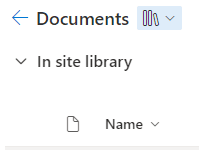
External file linking
Link to SharePoint or Google files and folders to avoid duplication and keep content up to date.
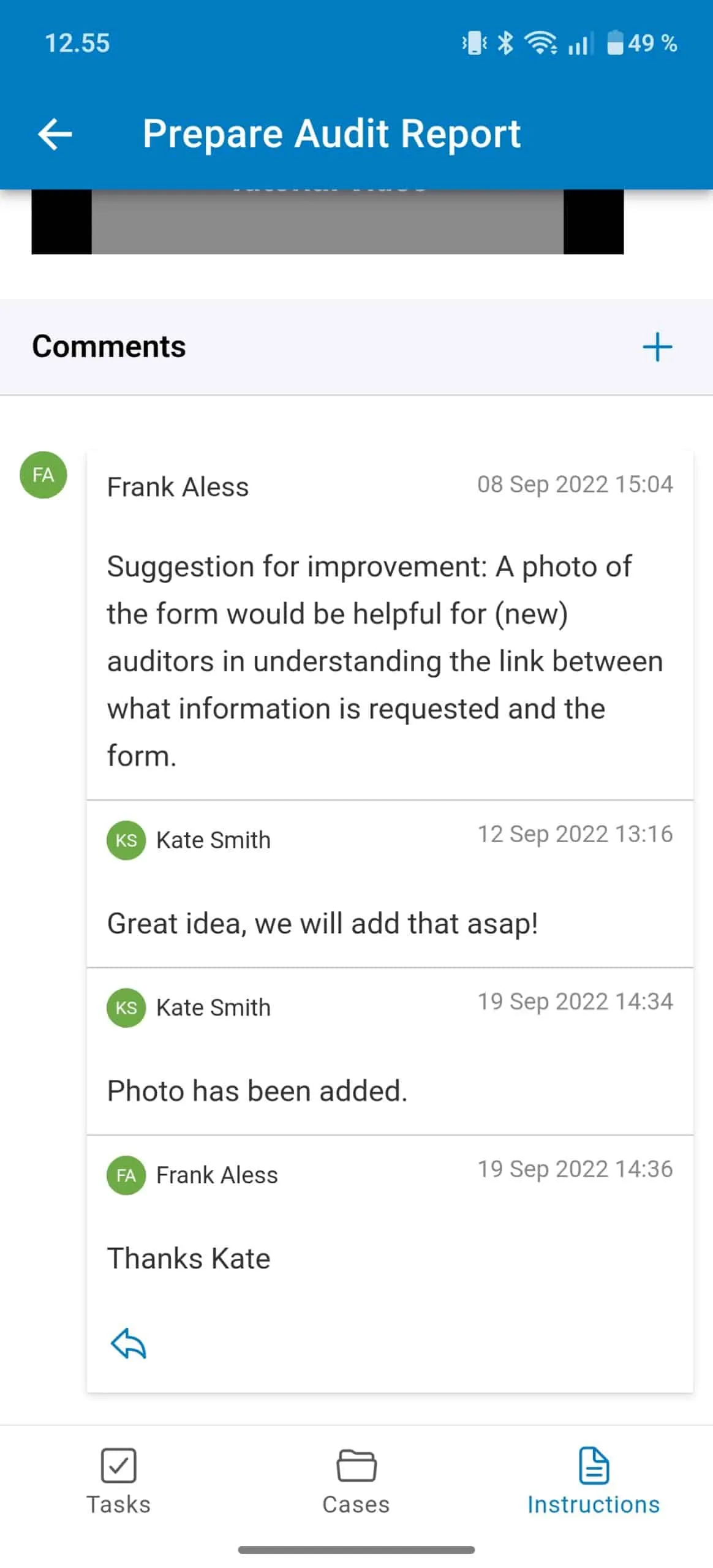
Mobile app
Read the same instructions on Android and iOS — built for frontline teams who need them on the shop floor, not at a desk.
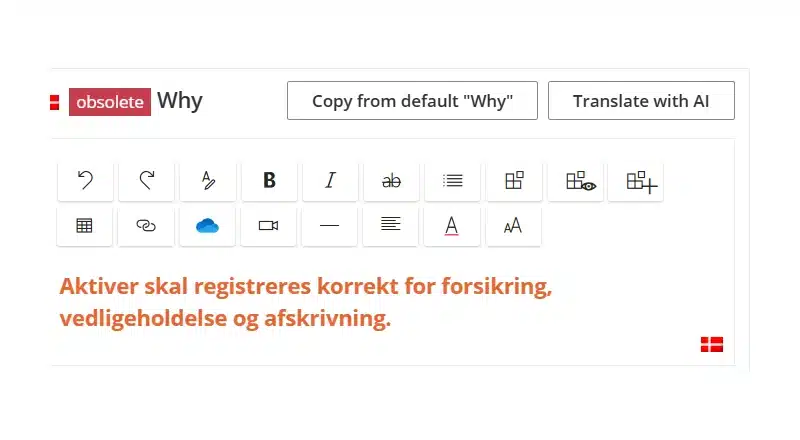
Content localization
Translate work instructions into any language, so frontline teams work inside the global process in their own words.
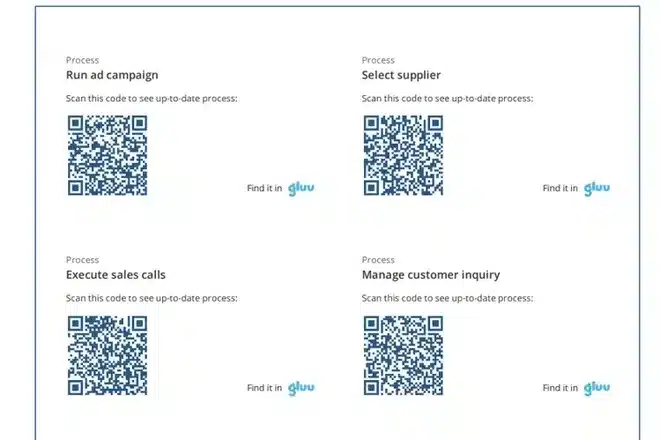
QR code access
Print a QR label for a work instruction and post it at the workstation, so the current version is one scan away from the job.
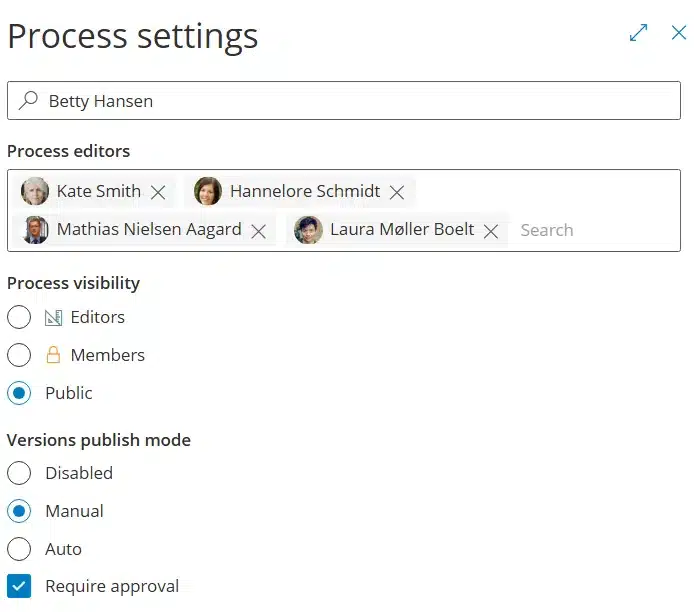
Versioning and approvals
Turn a work instruction update into a named, approved version, with its own approval flow and a full audit trail of every change.
Frequently asked questions
Gluu uses them close to interchangeably in everyday language, but ISO draws a formal distinction: a procedure (often what people mean by SOP) describes an entire process, while a work instruction is scoped to one specific step inside it. For a full breakdown of SOPs specifically, see our SOP guide.
Inside the process map, attached to the activity they explain — not in a separate document, wiki or shared drive. Open the activity and the instruction is right there.
Yes. The Gluu AI Assistant can suggest a first draft based on the surrounding process and role context, or rewrite an existing instruction to match your standard template. You review and edit before publishing.
Yes. Comments on a work instruction can be converted directly into a change suggestion, which routes to the instruction’s owner for approval before it goes live.
Either, or both. Instructions can include images, embedded video, and linked files alongside text — useful in particular for roles where visual guidance is faster to follow than a block of text.
It varies by company, but the pattern is consistent: e. Luterbach AG‘s new engineers work independently after a single one-hour introduction, and a Gluu survey found employees with easy access to clear instructions got up to speed around 5× faster.
Written and reviewed by
Last updated
All Features
Keep exploring the platform
Ready to connect every process to the instructions that actually run it?
Gluu free 30-day trial. No credit card required. Start from €24 / year.