
Features /
Add-ons
Add-ons that extend Gluu for enterprise needs
Every Gluu plan covers process management, task execution and reporting. Add-ons layer specific enterprise capability on top of Essential or Advanced — deeper customization, business architecture, versioning, localization, HR-specific data handling, branding and API access — so an organization pays for the depth it needs, not a bigger bundle it doesn’t.
 7 add-ons available
Stack with Essential or Advanced
What it is
An add-on is an optional module that unlocks enterprise-specific capability on top of a Gluu Essential or Advanced plan. Each one is scoped to a specific need — customizing the data model, modeling business architecture, governing versions and approvals, translating content, handling sensitive HR data, or branding the account — and is priced separately, per company, per year.
An organization can combine as many add-ons as it needs on the same account, and adding one later is a plan change, not a new implementation or a data migration. The current line-up and prices are on the pricing page — this page introduces what each add-on actually does inside Gluu.
Why it matters
Pay for the depth you need, not a bigger bundle

Pay only for what your organization needs
A manufacturer that needs custom fields for compliance data has nothing in common with one that needs multi-language SOPs for five countries. Add-ons let each organization pay for its own gap instead of a base plan priced for everyone’s requirements at once.

Enterprise depth without a heavier base plan
Essential and Advanced stay built around the core loop of mapping, running and improving processes. The more specialized, admin-heavy capability — custom data, branding, translation, HR-grade confidentiality — sits behind an add-on instead of bloating every account with settings most teams never open.

Add capability as the need shows up
Start on Essential or Advanced, then turn on an add-on the day a real requirement lands — an audit that needs custom fields, an acquisition that needs a second language, an HR team that needs confidential cases — rather than provisioning for it up front.

Still one account, not a bolted-on integration
An add-on switches on new settings and screens inside the same Gluu account and the same process, role and case data — it isn’t a separate product to log into, sync or reconcile against the rest of the platform.
Explore add-ons
Seven ways to extend Gluu for enterprise needs
Enterprise Customization
User profiles, custom views, custom fields and AI-enforced work instruction standards.

Business Architecture
Contextual models for business architecture, value stream and customer journey mapping, and interactive process connection maps.
Versioning
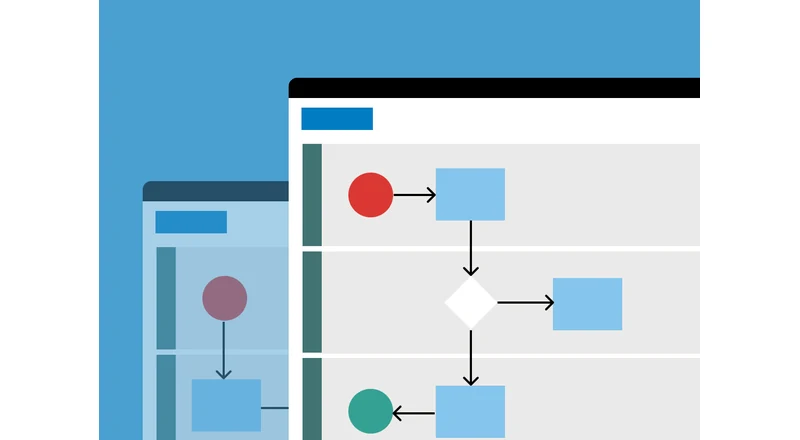
Advanced version management, customizable approval flow, and selectable restore and publishing.
Localization
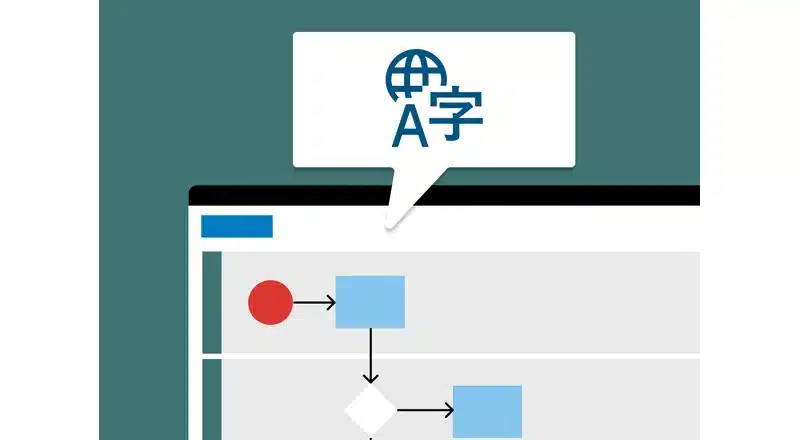
Translate selected processes to local languages, now with AI.
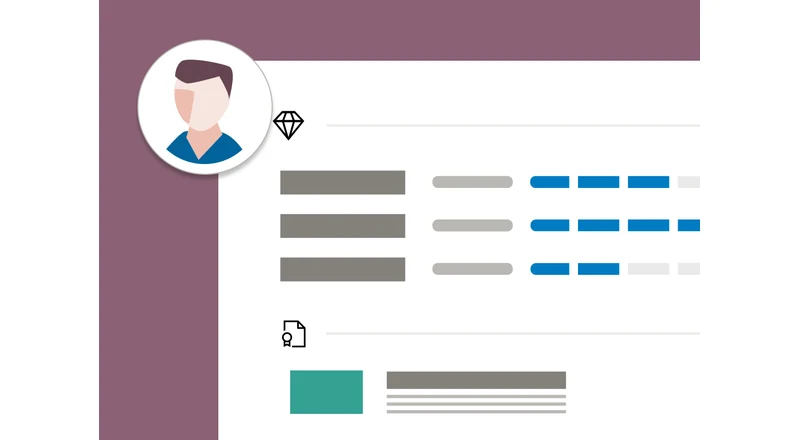
HR Manager
Manage sensitive employee data and profiles, track competencies, and run multi-user trainings.
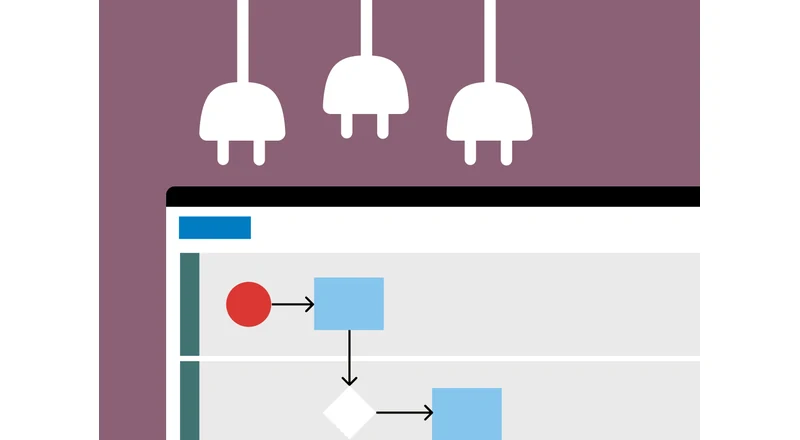
API & Connectors
Case folders and task reports in SharePoint, Gluu data in external dashboards, a RESTful API browser, and webhooks.

Enterprise Branding
Custom style adaptation to your brand identity, your own logo and header color, and custom process and work instruction styling.
Frequently asked questions
A plan — Core, Essential or Advanced — sets the base feature set for the whole account. An add-on switches on one extra, specific capability on top of Essential or Advanced, such as custom fields or advanced versioning, and is priced separately from the plan.
Yes. Add-ons are independent of each other, so an account can run Enterprise Customization, Localization and HR Manager together, or any other combination, on top of the same Essential or Advanced plan.
No. An add-on unlocks new settings and screens inside the account already in use — it doesn’t move data, change how existing processes are structured, or require a re-onboarding.
Add-ons attach to Essential or Advanced; availability varies by add-on. The pricing page lists exactly which plans each add-on is available on.
All seven add-ons, their current prices and which plan each one is available on are listed on the pricing page.
Written and reviewed by
Last updated
All Features
Keep exploring the platform
Ready to add the enterprise capabilities you need?
Gluu free 30-day trial. No credit card required. Start from €24 / year.