
Features /
Communication
Keep every question and comment attached to the work it’s about
A question answered in a chat thread is forgotten the moment the thread scrolls past – so it gets asked again next month, and a fix agreed out loud in a meeting never makes it back to the process. Gluu keeps every question, comment and reply attached to the exact process or activity it concerns, labeled and filterable, so whoever opens that work later finds the conversation already there.
What it is
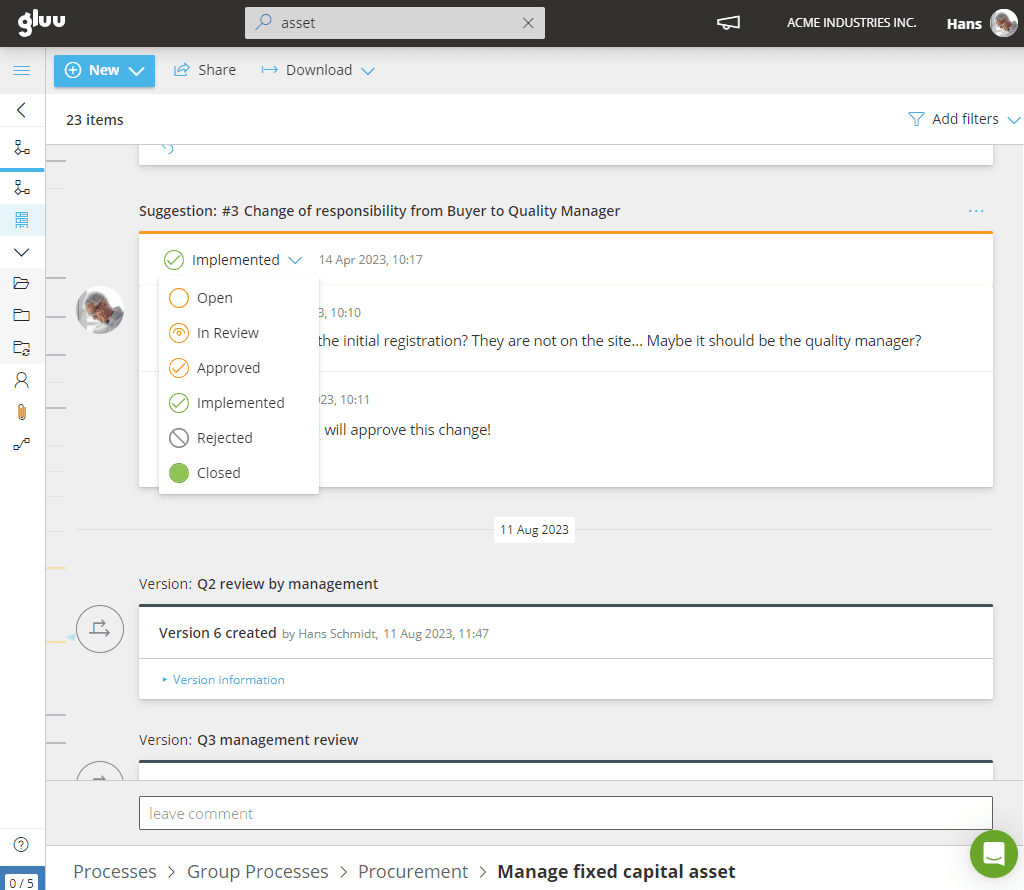
Process communication, in Gluu, means capturing questions, comments and change suggestions in the exact context they happen in – attached to the process or activity they’re about – rather than in a separate email thread, chat channel or meeting that nobody else can find afterwards. Anyone with access can ask a question or leave a comment directly on the work; the process owner, editors and the people in the responsible role see it, and can reply, agree, or turn it into a formal change suggestion.
Every process, and every individual activity inside it, keeps its own feed — a chronological record of versions, changes, comments and change suggestions, color-coded by type. Comments left on one activity also surface in the wider process feed, so nothing said about the work gets isolated from the process it belongs to.
Why it matters
In the process, not in your inbox

Feedback stays exactly where the work is
Questions and comments are added directly on the activity they concern, so whoever reads them later has the full context automatically — no separate thread to dig up, no “which process was this about again?”

Nothing gets lost to an inbox
At Ennova, moving change communication into Gluu meant every employee with an affected role got notified automatically the moment a process changed — no reliance on email chains or manual reminders — across four Nordic countries.

A comment can become the fix, without changing tools
Any comment can be converted into a formal change suggestion and back again — the discussion, the decision and the eventual version all stay attached to the same thread instead of scattering across a comment, a meeting note and a ticket.
Outcomes
19K
user sessions logged in Gluu
in six months, across 280 managers
70%
of submitted process changes
were judged genuine improvements
80%
of managers use Gluu at least
once a month to keep processes current
“Questions are added directly to the process in Gluu, which means that process owners answer each question only once. This eliminates a lot of emails and phone calls.”
Rikke Kannegaard, Operations Director, Fitness World
Explore communication features
Ten ways to collect feedback and communicate change without it ever leaving the process
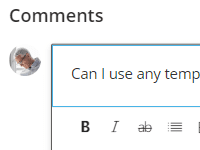
Integrated work-specific Q&A
Let users ask clarifying questions about activities to improve understanding and quality of work.
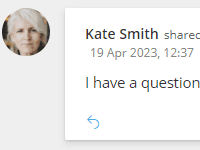
Process-specific activity feed
Track comments and replies within processes to preserve feedback context and avoid lost emails.
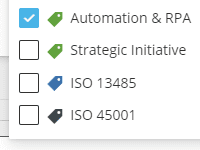
Content labeling
Label questions and comments so the right conversations surface fast during training, audits or reporting.
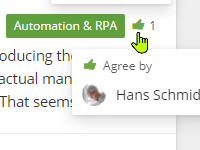
Commenting and replies
Agree with or reply to comments to collect broad input and enable better decision-making.
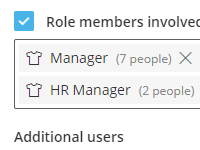
One-click change communication
Everyone whose role is affected gets notified the moment content changes — automatically, no manual email round.
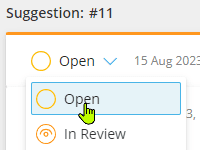
Change suggestion flow
Turn any comment into a formal change suggestion in one click, ready for the owner to review.
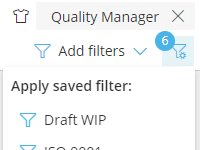
Advanced, shared filtering
Filter comments and change suggestions by role, label or date to manage feedback without combing through email.
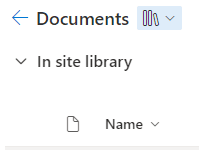
External file linking
Attach a SharePoint or Google file straight to a comment, so the conversation has the right document, not a duplicate.
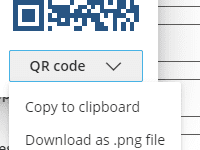
QR code and shortlink sharing
Print a QR code beside the workstation so anyone can scan straight to the instruction and ask their question on the spot.
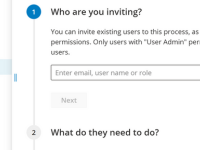
External user access
Involve external users such as suppliers or freelancers by sharing tasks through secure links.
Frequently asked questions
Every comment, question and change update is attached to the exact process or activity it’s about, so the context travels with it. Nothing depends on someone finding the right email thread or remembering a hallway conversation.
On the activity or process they concern, visible in that item’s own activity feed and in the wider process feed. The owner, editors and the people in the responsible role all see them there and can reply.
Yes. Any comment can be converted into a formal change suggestion — and back again if needed. The discussion, the decision, and the resulting version all stay attached to the same thread.
Everyone with a role affected by that process or activity gets notified automatically when it’s updated — no manual list to build or email to send.
Yes. Comments and change suggestions can be labeled and filtered by role, label or date, so editors and owners can manage feedback without searching through email.
Yes. External users such as suppliers or freelancers can be given secure, limited access to a specific task or process without a full Gluu account.
Yes. A QR code or shortlink opens the process or activity directly — useful for printing next to a machine or workstation so anyone can scan in and ask their question from exactly where the work happens.
Written and reviewed by
Last updated
All Features
Keep exploring the platform
Ready to stop chasing updates through email and keep the conversation where the work happens?
Gluu free 30-day trial. No credit card required. Start from €24 / year.