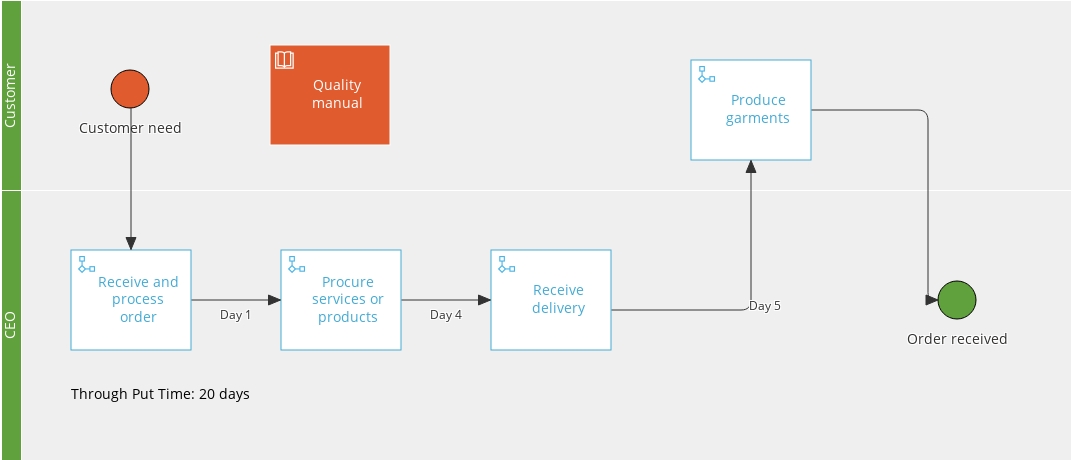
Goal: Use process and activity links to build a process overview that shows how your processes relate—without changing ownership or edit rights.
This article shows how to create a process overview with process and activity links. Use it to supplement your process hierarchy with dedicated overviews of:
- How processes are related to functions.
- End-to-end processes.
- Processes with high risk.
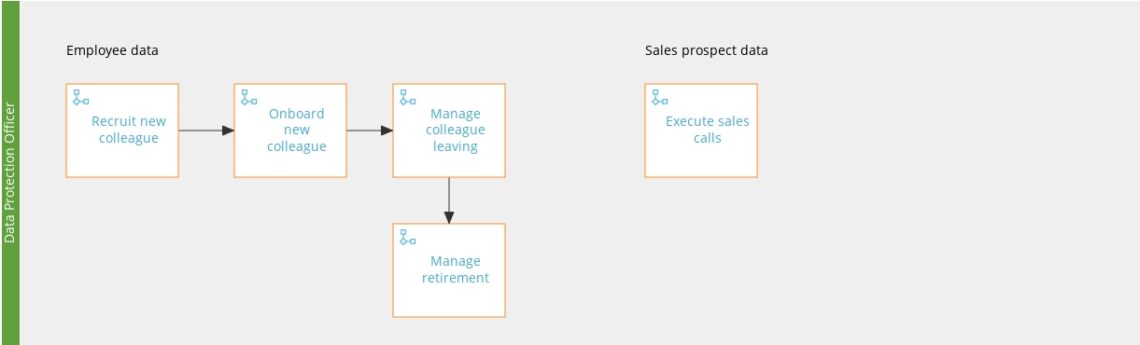
- Processes that involve personal data (GDPR).
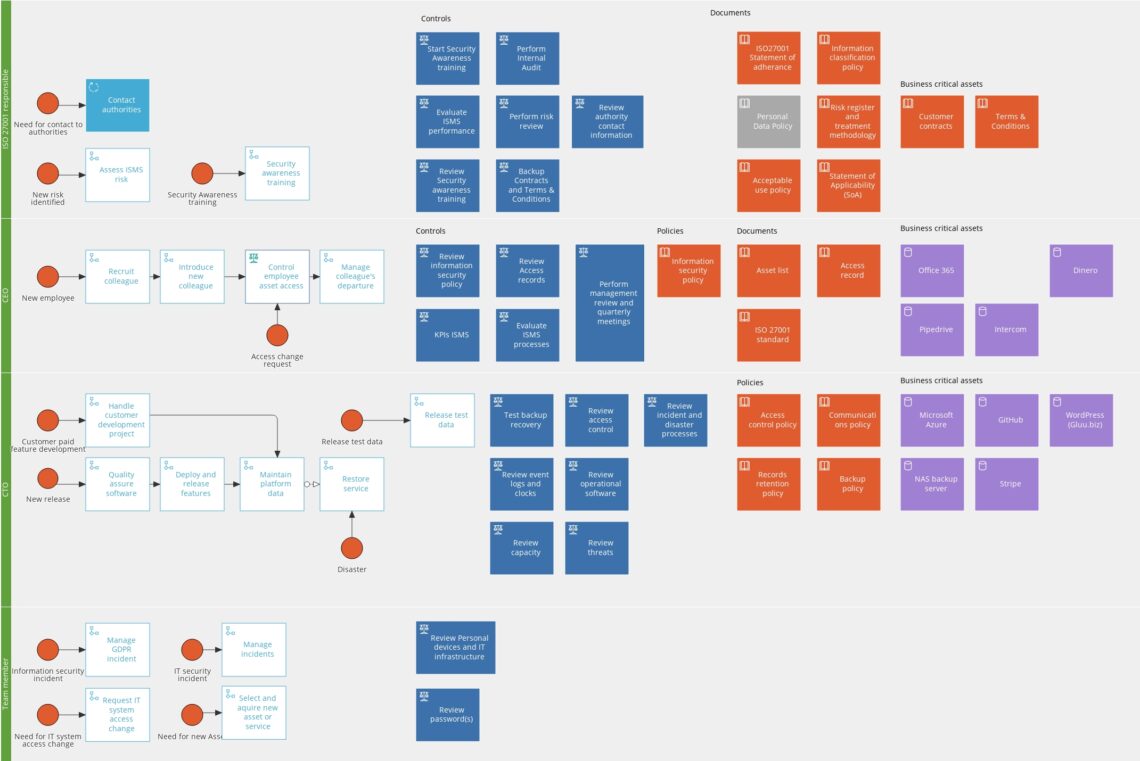
- Processes critical to ISO standards you follow.
How to start #
This is just another form of process mapping, except you map with processes and activities
(You need rights to ‘Manage all processes’.)
- Go to your account’s Processes page.
- Select the category and group where you want the overview.
- Create a new process and name it (e.g., “Marketing overview”).
- Draw the flow using only the process link shape.
- Use arrows to show how processes link into end-to-end flows.
Your process overview can now present relationships and confirm that processes support overall company objectives.
Examples #
GDPR overview #
Information security overview #
Marketing flow overview #

Value chain overview #