Goal: Create competencies, assign them to users and roles, use certificates with expiry, and match skills to process needs.
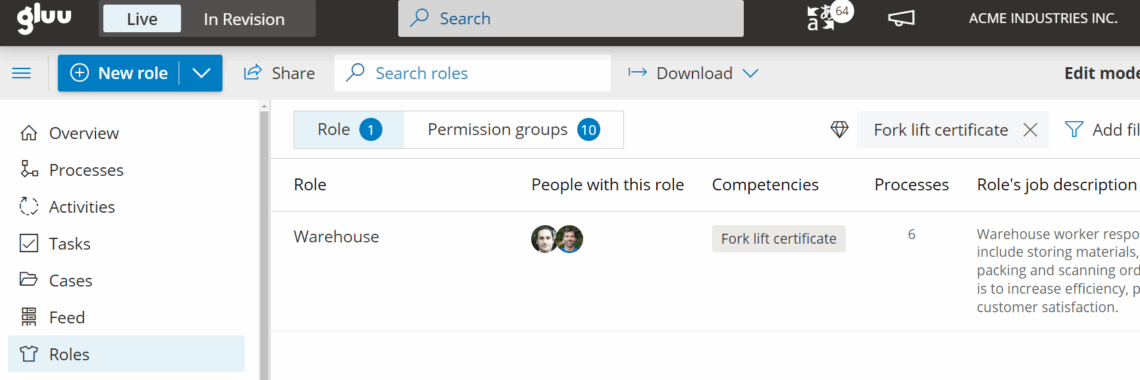
Managing competencies in context of processes helps verify if employees have the actual skills and competencies to execute the process. E.g. servicing a high voltage transformer station requires a certificate to work with high voltage equipment. This can be added to a role as a requirement.
Related: Manage process roles and print an employee CV to see role/skill overviews.
Video intro #
Create and manage competencies #
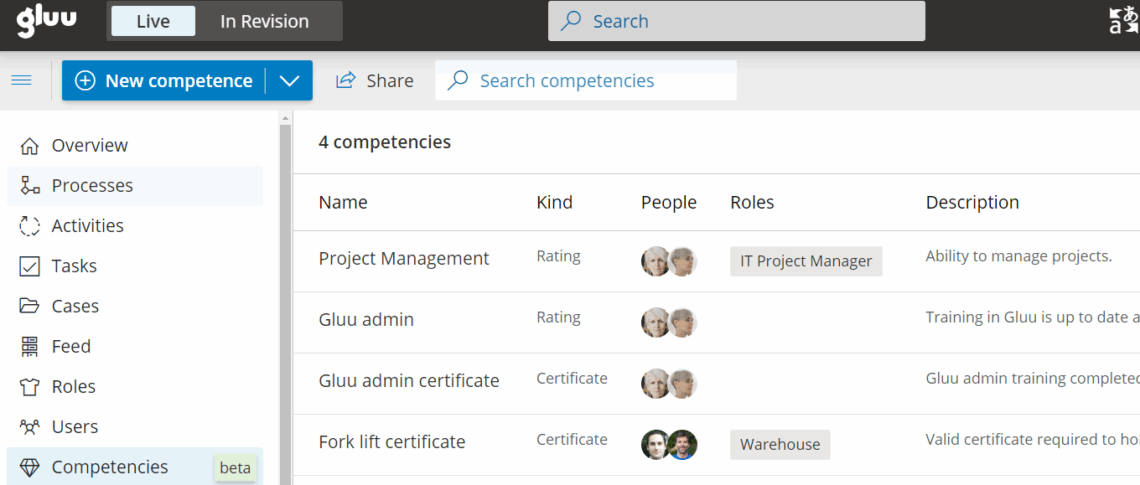
- Go to the Competencies page.
- Click New to add a competency.
- Describe the competency clearly.
- Save and review in the overview list.
Assign competencies to individual users #
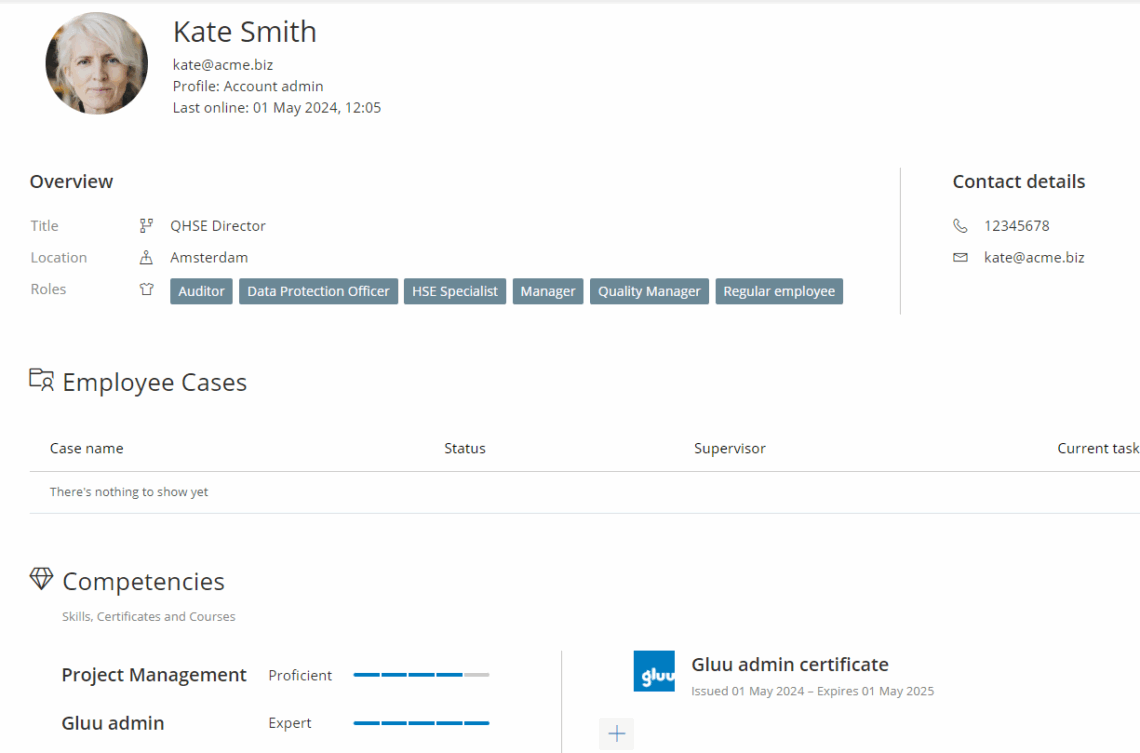
- Open Users and select the user.
- Go to the user’s Competency profile.
- Add competencies and set a level (1–5).
- Save.
Use certificates #
- Add the certificate competency to the user.
- Set Issue and Expiry dates.
- Assign managers/supervisors if relevant.
- Review expiring certificates periodically.
Tip: Access a user’s competency profile via the arrow next to their name on the Users page.
Assign competencies to roles #
- Open the Roles page and select a role.
- Add competencies (and certificates) required for the role.
- Compare role requirements with user competency levels.
- Plan training or hiring to close gaps.
The Gluu Assistant can also help to suggest competencies when a role is updated.