
Goal: View and export a chronological record of account activities to investigate incidents and changes.
Gluu’s audit trail lists account events with time, user, action and target—filterable and exportable.
How to use it #
Account Owner/Admin rights required.
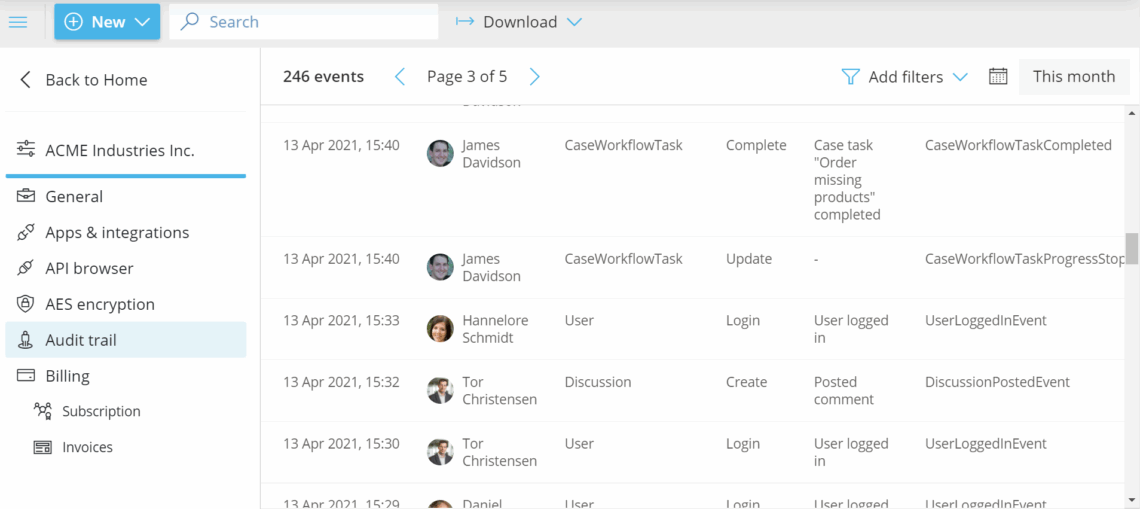
- Go to Manage account > Audit Trail.
- Set a time period (e.g., around a suspected incident).
- Browse events to find what you need.
Export and filter #
- Export the selected period to CSV or JSON via Download.
- Filter by User, Target, Action or Description.


