
Mobile app
A mobile app built for frontline teams
Gluu’s mobile app for frontline teams gives business users on Android and iOS a simple way to work inside a process: see the tasks tied to their role, complete forms and photos, follow work instructions, and open cases - without needing the web app or any process training.
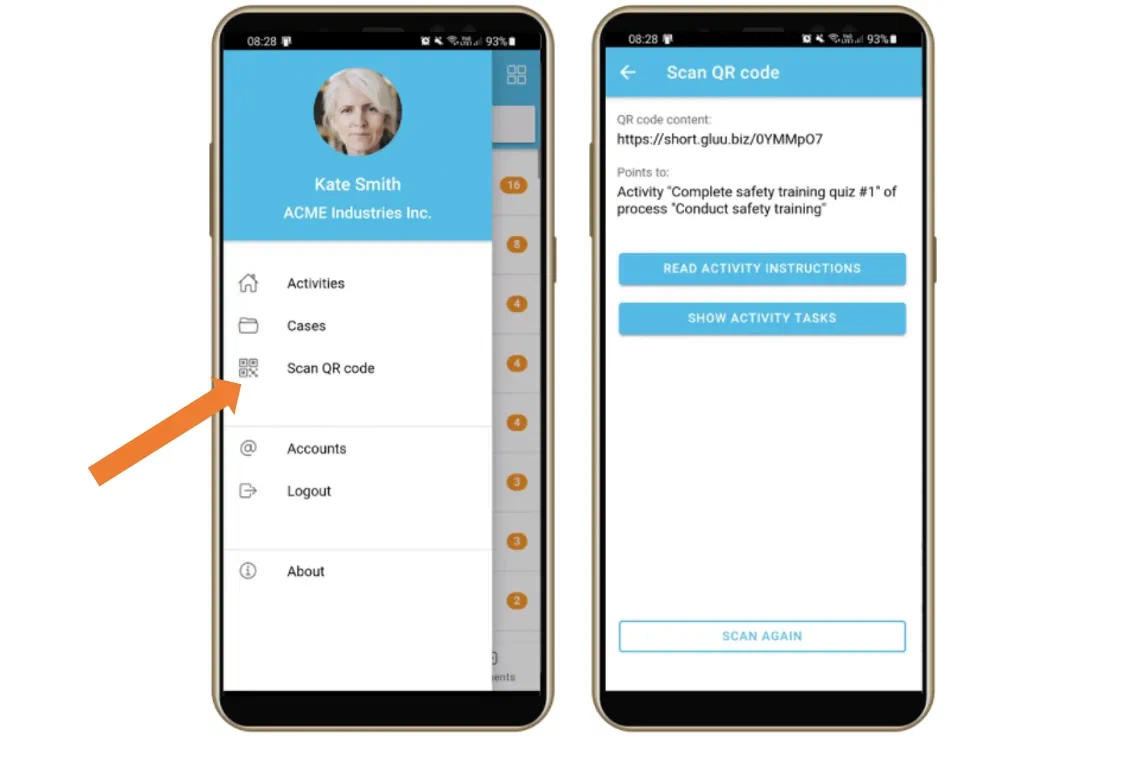
What it is
Some people work with processes - mapping, structuring and governing them. Most people just work inside one: they need to know what’s next and get it done. Gluu’s native Android and iOS apps are built for the second group - business users on the move who complete the tasks assigned to their role rather than design them.
Sign in with the same username and password as the web app, and the app opens straight to your Tasks - scoped to your role, with a count of what’s waiting - alongside separate Cases and Instructions tabs, also filtered to what applies to you. Anyone who needs to build or change a process still does that from the web application.
Why it matters
Built for people who just want the work done
Frontline teams start using it on day one
There’s no process map to learn and no separate login - sign in, and the tasks tied to your role are already there. That’s the difference between a tool colleagues adopt and one that turns into another compliance chore.
Proof travels with the work
Attach a photo or fill in a form the moment a task is completed on the shop floor or a job site, so the record is created as the work happens - not reconstructed from memory back at a desk.
Tasks, cases and instructions travel to the field
The same tasks, cases and work instructions a role sees on the web are available on Android and iOS - so a supervisor at a desk and a technician at a machine are always looking at the same thing.
How it works
How does the Gluu mobile app work?
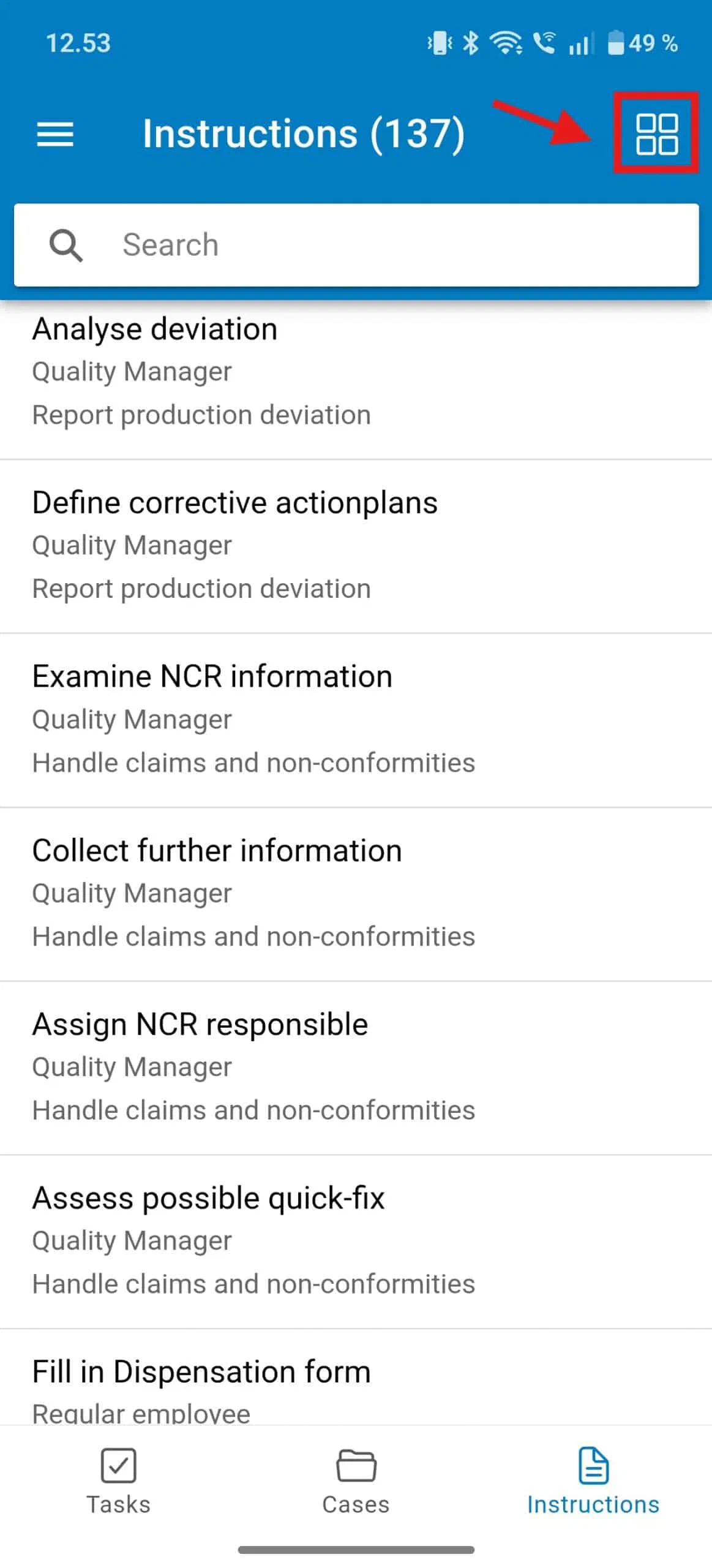
Complete tasks and attach proof
Tap a task to pick it up, fill in any attached form, and add a photo or file before submitting. The task shows to whoever holds the role, so the work still gets picked up if the usual owner is away.
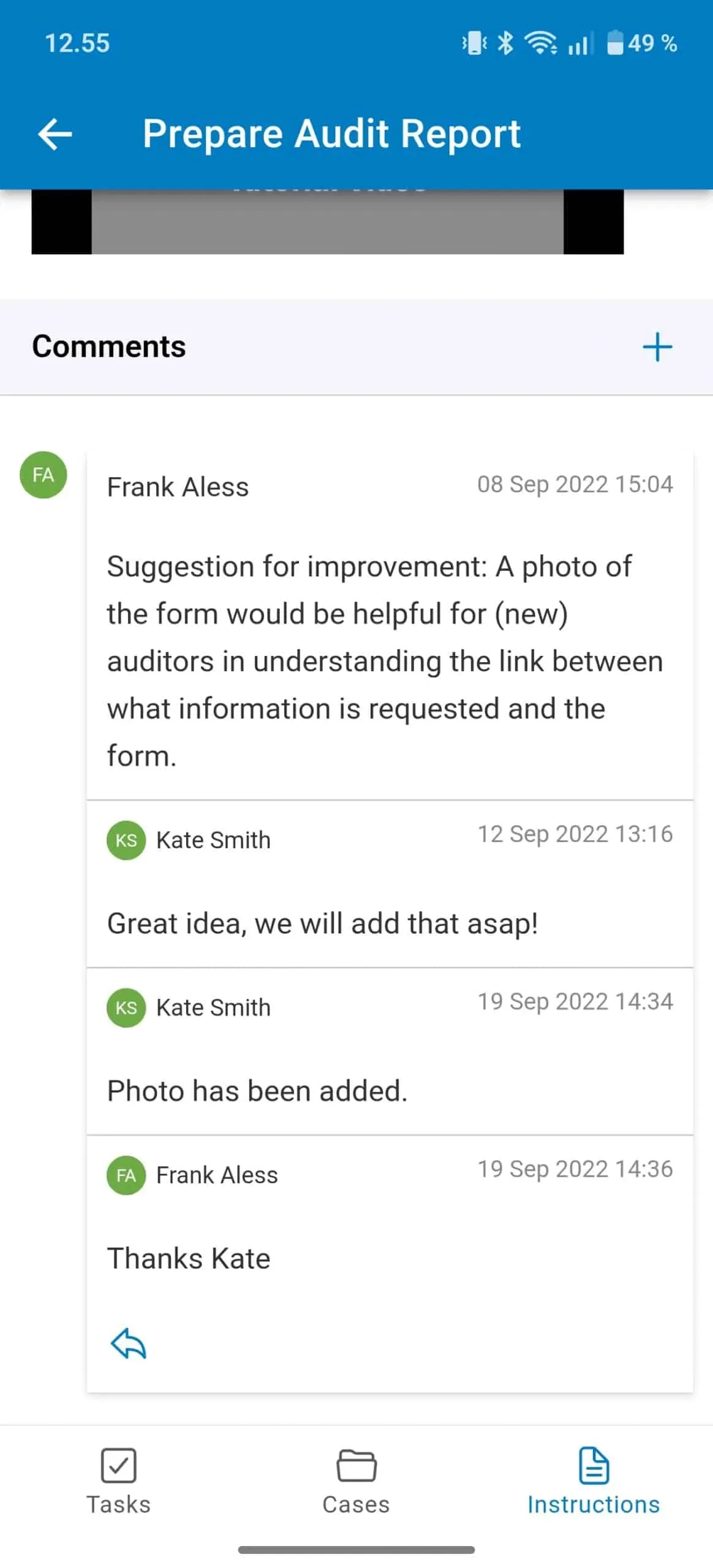
Follow the work instruction, not your memory
Open Instructions to read the steps for an activity, watch an uploaded video if there is one, and see any warnings the process owner added - the same instruction everyone with that role sees.
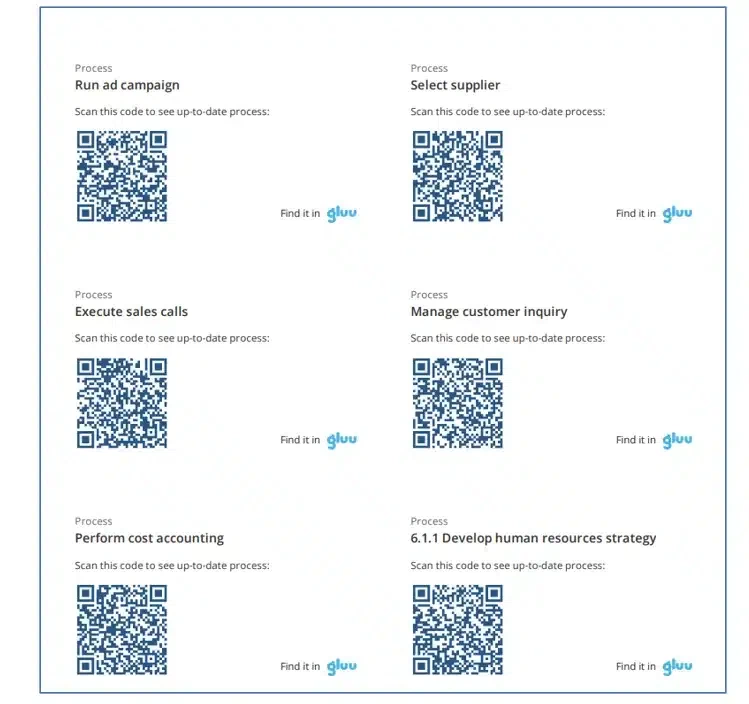
Scan a code to open the right activity
Codes printed and posted at a machine or workstation open straight to the work instruction, or automatically start a case, when scanned with the app’s built-in QR scanner - no searching for the right process first.
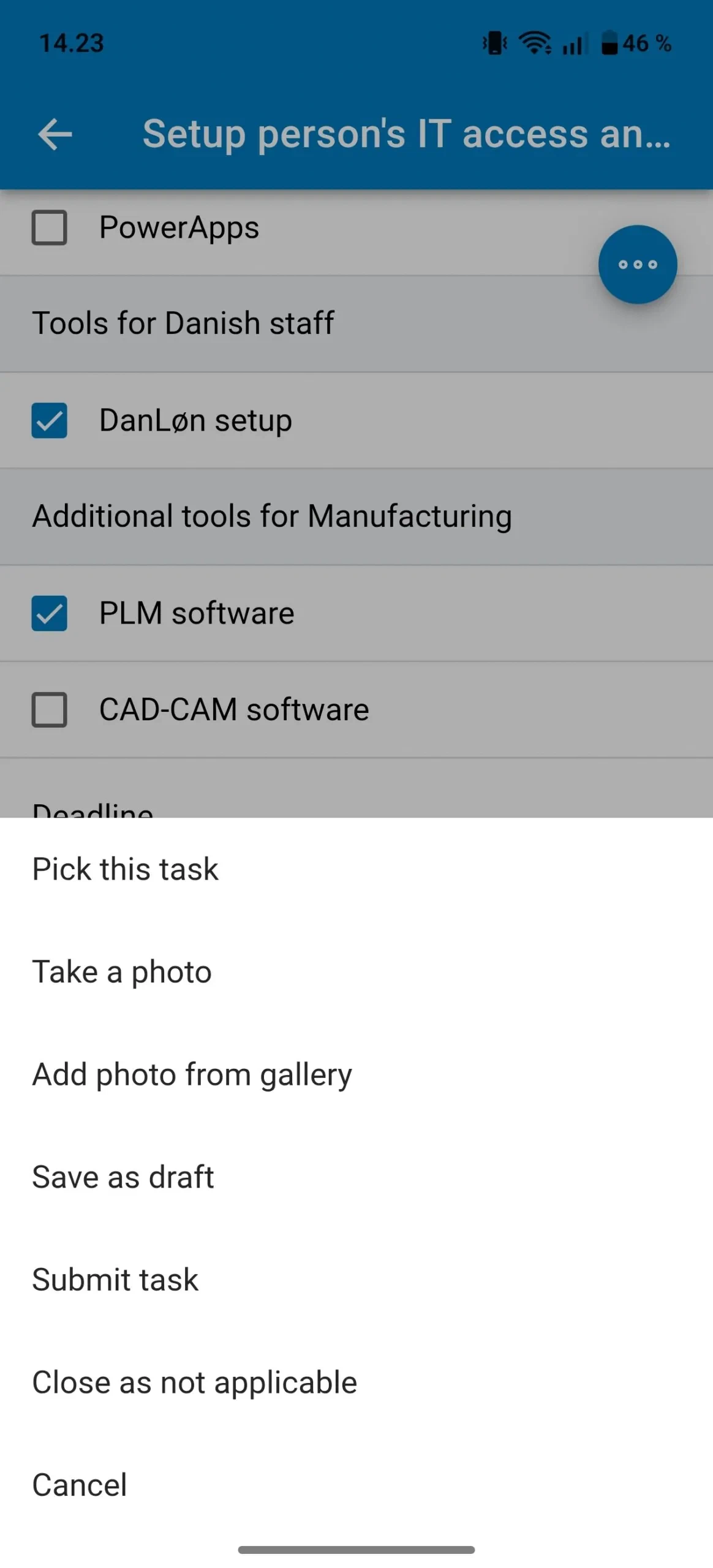
Ask a question without leaving the task
Add a comment on any task or activity, visible to your role or to the process editor team depending on notification settings - questions and answers stay attached to the work they’re about.
Outcomes
25,000+
tasks and registrations completed a year by factory staff at Berry Superfos, on Android tablets
90%
less time spent managing tasks and forms - paper checklists and shift handovers, replaced by the app
“We see big-time savings by not having to handle our record keeping on paper anymore. Our registrations happen inside the app now.”
Jakob Lund, factory manager, Berry Superfos
Availability
Frequently asked questions
Who is the Gluu mobile app for?
What can I do in the Gluu mobile app?
Do I need a separate login for the mobile app?
Which Gluu plan includes the mobile app?
How do QR codes work with the mobile app?
All Features