
Process management
Localize work instructions, keep one master process
Gluu’s Localization add-on translates specific processes and work instructions into any language, while one master version stays in the company’s default language. Users who select a language see that content translated automatically; everyone else keeps seeing the default.
- AI-assisted translation
- Automatic obsolete-flagging
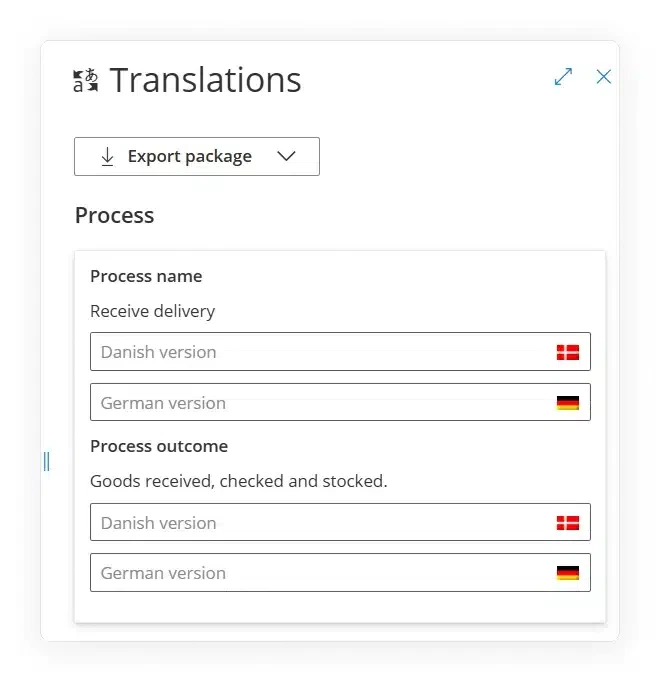
What it is
Localization is an add-on inside Gluu’s process management that lets a process owner translate a Process, Activity, Role or category name - and the work instructions inside an Activity - into one or more languages, without touching the master content or handing ownership to a translation team.
Every translation sits alongside its master field, in the same place the process is already managed. A user picks their interface language once; from then on, any process or work instruction that’s been localized for that language shows the translated version automatically, and everything that hasn’t yet been translated falls back to the company’s default language - so nobody sees a half-translated page.
Why it matters
How do you stay global and go local?
Keep one master, go local where needed
Balancing what’s central and what’s local is normally a trade-off: a single global process that ignores local reality, or local versions that quietly drift from company standard. Gluu lets you pick exactly which processes - and even which activities inside a process - get translated, so the rest stays governed centrally in one place.
Frontline teams read their own language
Factory floor and frontline staff can work inside the same global process as everyone else, with the work instructions for their activities shown in their own language. The process itself - its structure, ownership and outcomes - never forks between sites.
Translations never quietly go stale
When the master text in the company language changes, every translation of it is flagged obsolete until someone updates it. Local users always know whether they’re reading the current version, instead of an SOP that quietly stopped matching reality months ago.
How it works
How does content localization work in Gluu?
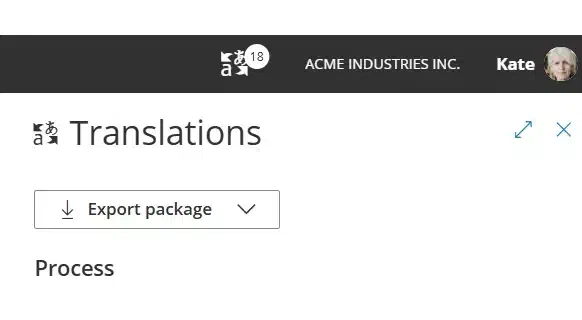
Choose what to localize
Open the Translations panel on any process, activity or role and pick a target language. Localization works item by item, so you translate the processes and work instructions that need it and leave the rest in the default language.
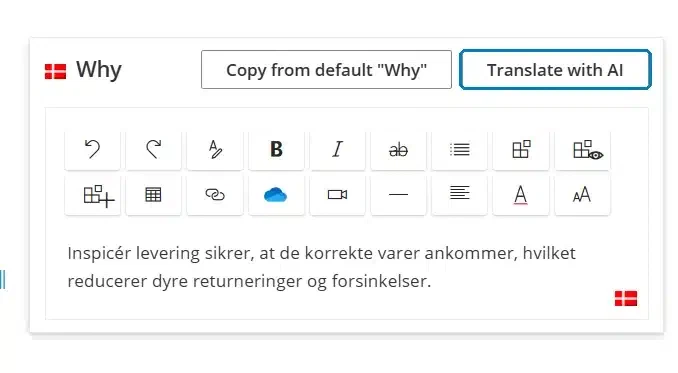
Translate it - by hand or with AI
Enter translated text below each master field yourself, field by field - process names, outcomes, role descriptions, or the work instruction text inside an activity.
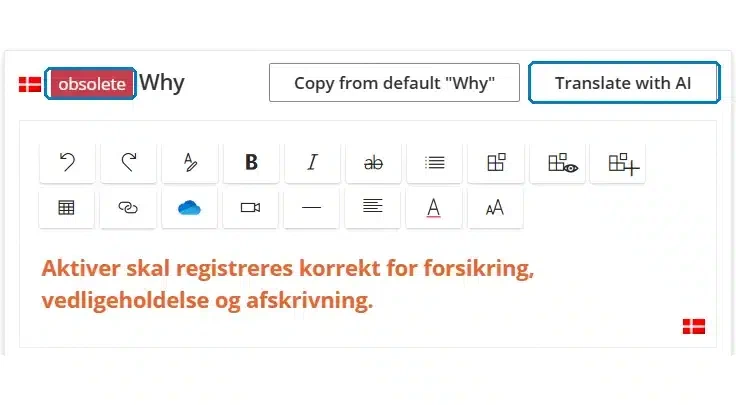
Approve AI drafts, catch outdated ones
Or click Translate with AI to draft the translation automatically, formatting preserved, then review and correct it as the process owner before saving. Any translation marked “obsolete” - because the master changed since it was last saved - stands out the same way, so nothing goes live unreviewed.
Availability
Frequently asked questions
What can I translate in Gluu?
How does Gluu know when a translation is out of date?
Can AI translate our processes and work instructions?
What does a user see if they haven’t selected a language?
Who is allowed to add or edit a translation?
All Features