
Process architecture
Start from the APQC framework, not a blank page
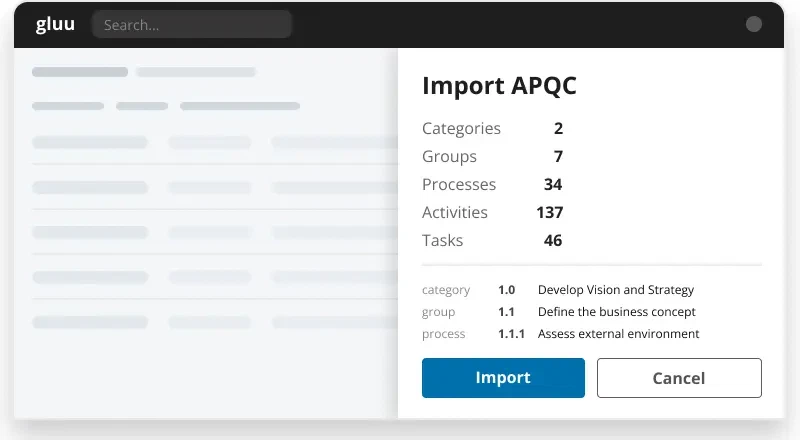
APQC import adds the APQC Process Classification Framework to your Gluu account as a ready-made hierarchy of categories, groups, processes and activities. The framework is pre-loaded, so you select the parts that fit your organization and import them in minutes - then adapt the naming, remove what you don’t need, and assign roles.
- APQC PCF pre-loaded
- ITIL and Dynamics 365 too
What it is
APQC’s Process Classification Framework (PCF) is a cross-industry model that organizes business processes into categories, groups, processes and activities - a shared vocabulary for work that organizations across industries benchmark against. In Gluu it arrives as structure you can import rather than a document you have to interpret: every row carries its PCF ID, hierarchy ID, type, name and outcome, and whatever you select becomes part of your own process hierarchy.
The framework gives you the levels and the boundaries. What sits around them - ownership at each level, the value chain above, the work instructions underneath each activity - is the wider capability this belongs to: see how the full structure works, level by level.
Why it matters
Why start from a standard framework?
A structure you don’t have to invent
Designing a hierarchy from nothing means months of workshops before anyone documents a single process. Starting from the PCF means the levels, the naming and the boundaries are already settled by a model built for cross-industry comparison - so the argument about structure stops blocking the work.
The processes nobody thought to mention
Workshops capture the work people remember. A framework shows the complete picture, including the processes that only surface when someone leaves or an auditor asks. You see the gaps between what is documented and what actually happens while they are still cheap to close.
The same vocabulary as the systems around it
Gluu supports ITIL and the Microsoft Dynamics 365 process catalog alongside APQC, so the processes in Gluu can line up with the catalog an ERP or service-management project is already working from - instead of two teams describing the same work in two different structures.
How it works
How does APQC import work in Gluu?
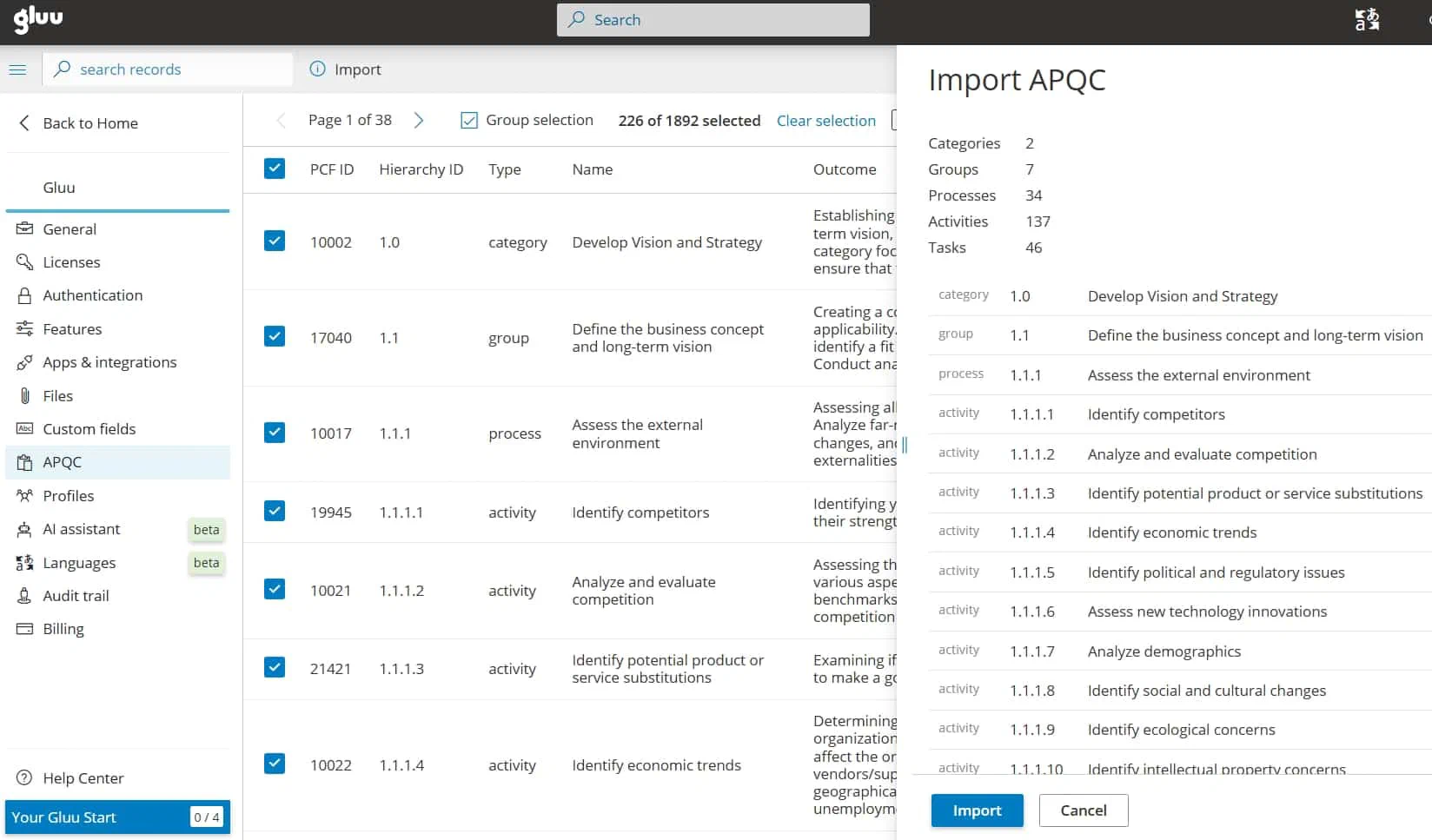
1. Open the APQC panel in account settings
There is nothing to download or install first - the framework is already in your account. An administrator opens the APQC panel under account settings to see it.
2. Browse the framework as a table
Categories, groups, processes and activities are listed as rows, each showing its PCF ID, hierarchy ID, type, name and outcome. You read the framework in one place instead of cross-referencing a spreadsheet against a PDF.
3. Select the scope you need
Take a whole category, drill down to individual groups and processes, or pick out a handful. The summary panel on the right counts everything selected, so you know the scope before you commit. Then click Import.
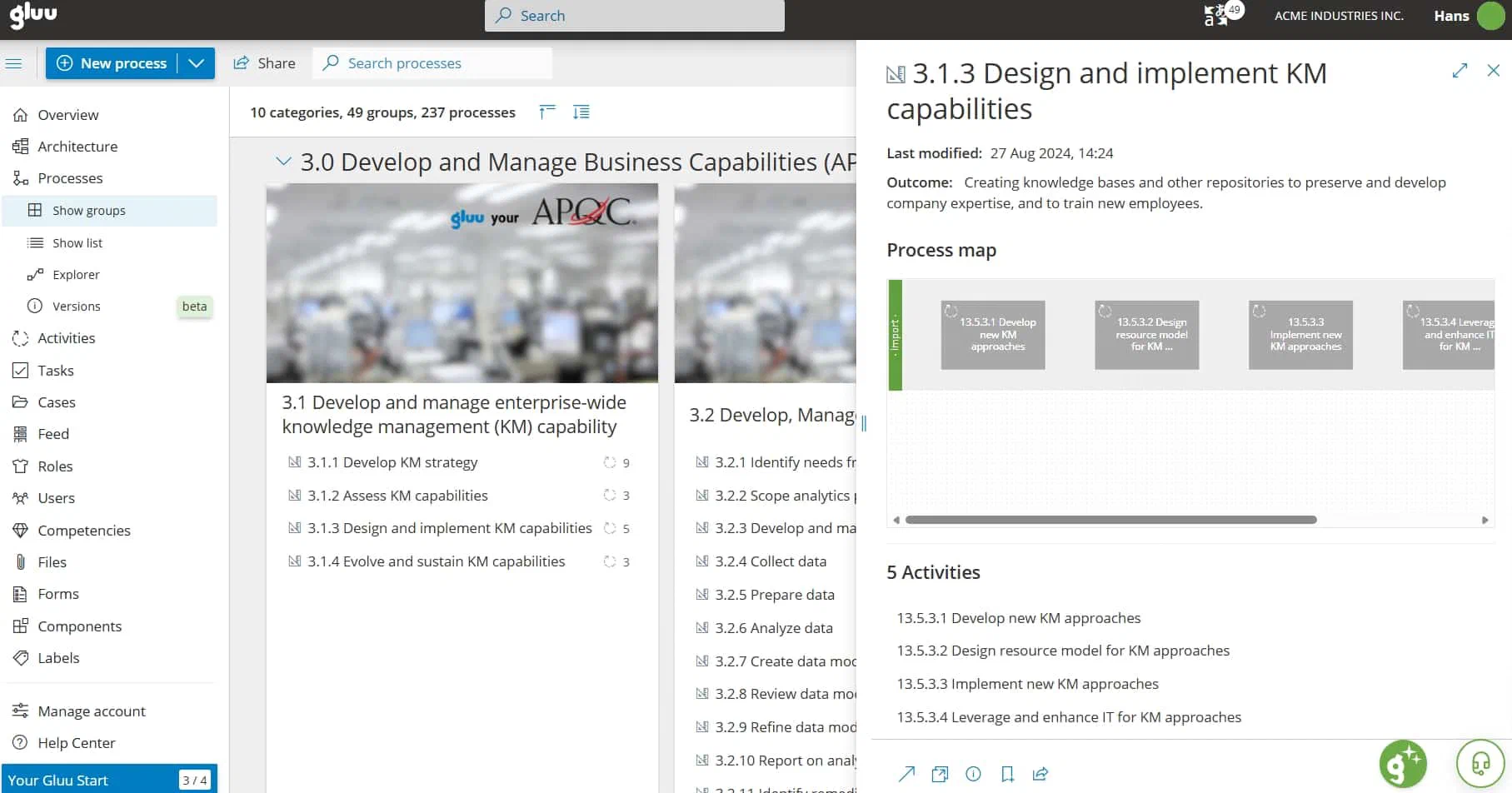
4. Adapt the structure, then assign roles
Imported items appear in the process overview under their framework categories, where you can rename groups into your own language - including localizing the wording for a specific site - remove processes you do not run, and open each one in the editor. APQC describes what work happens, not who does it, so imported activities arrive without role assignments: assign each activity to the organizational role responsible, using a RACI matrix where several people are involved.
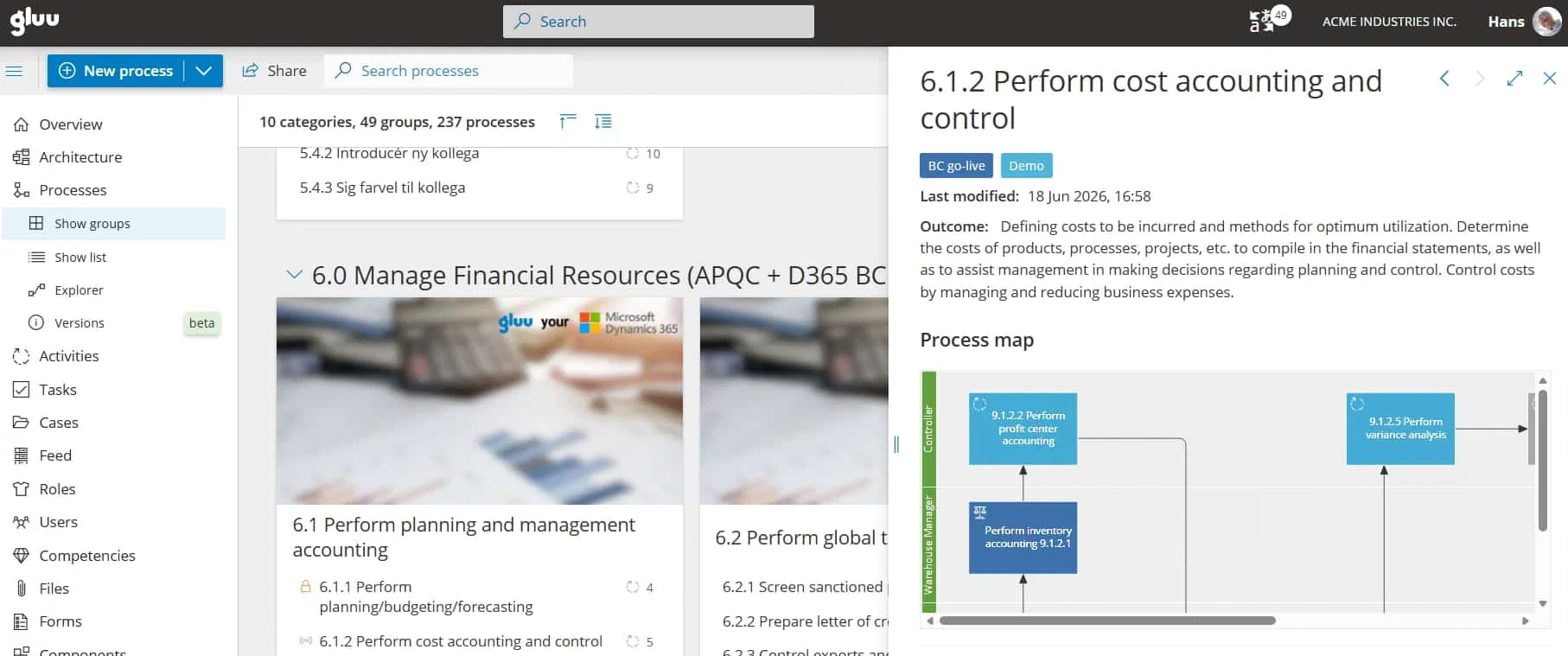
5. Blend in other frameworks, or your own
APQC is the default, not the only option. You can build around ITIL for IT service management, or the Microsoft Dynamics 365 process catalog when work is tied to that ERP, and combine a framework with your own process names. If your processes already live in a spreadsheet, the Gluu support desk sets up a CSV import for you.
Availability
Frequently asked questions
Do I need to install or license APQC before I can import it?
Can I import only part of the framework?
Why do imported activities have no roles assigned?
Can I use ITIL or the Microsoft Dynamics 365 process catalog instead?
Can I import my own processes from a spreadsheet?
Will colleagues follow a framework someone else designed?
All Features