
Forms and data
Training quizzes your team takes as a task
Training quiz software in Gluu is a form with a Quiz field - multiple choice with correct answers - attached to an activity in a process. Everyone holding that role gets the quiz as a task in their task list or mobile app, and completes it alongside their normal work.
- Quiz, video and image fields
- Works in the iOS and Android apps
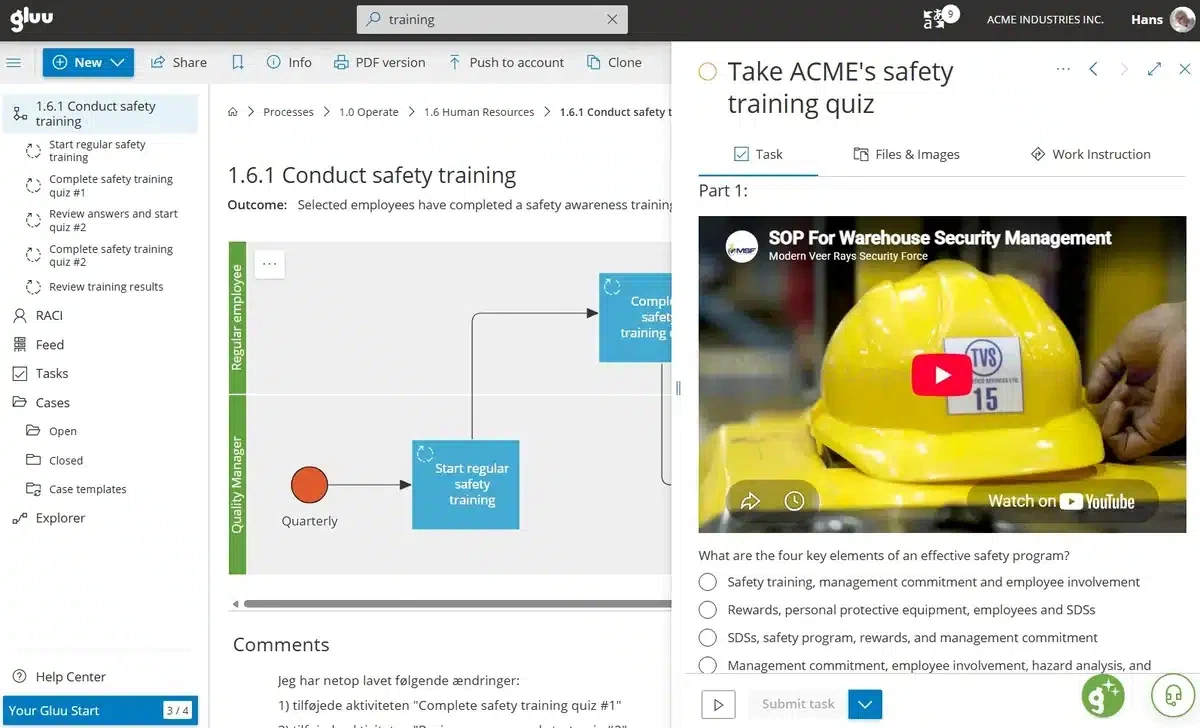
What it is
A training quiz in Gluu is a Form. You build it in the form designer by dragging in a Video field to embed the training clip, a Quiz field holding each multiple-choice question and its correct answer(s), and whatever else the session needs - an Image, a Headline, a Competence field for the skill or certificate involved. Mark the questions Required and nobody can submit the task without answering them.
So the quiz is not a learning system bolted on the side. It is one of fifteen field types in the same form designer used for inspections, checklists and handover reports, and the answers land in the same place as every other submission: see how forms and the data they capture work across Gluu.
Why it matters
Why put training inside the process?
Completion stops being something you chase
A training case lists every person the quiz went to and marks who has answered. There is no attendance sheet to reconcile afterwards, and when an auditor asks who was trained on the current procedure, the record already sits on the task rather than in someone’s inbox.
The training changes when the process changes
The quiz sits on the activity it tests, inside the process it belongs to. Update the procedure and the training that verifies it is right there - not in a course library nobody remembers to revise. Documentation and training therefore stop drifting apart between audits.
Nothing new for anyone to learn
People take the quiz where they already pick up their work - My tasks in the browser, or the Gluu app on a phone out on the floor. No second login, no course catalog to navigate and nothing extra for IT to integrate, because training arrives as one more task in the shift.
How it works
How does a training quiz work in Gluu?
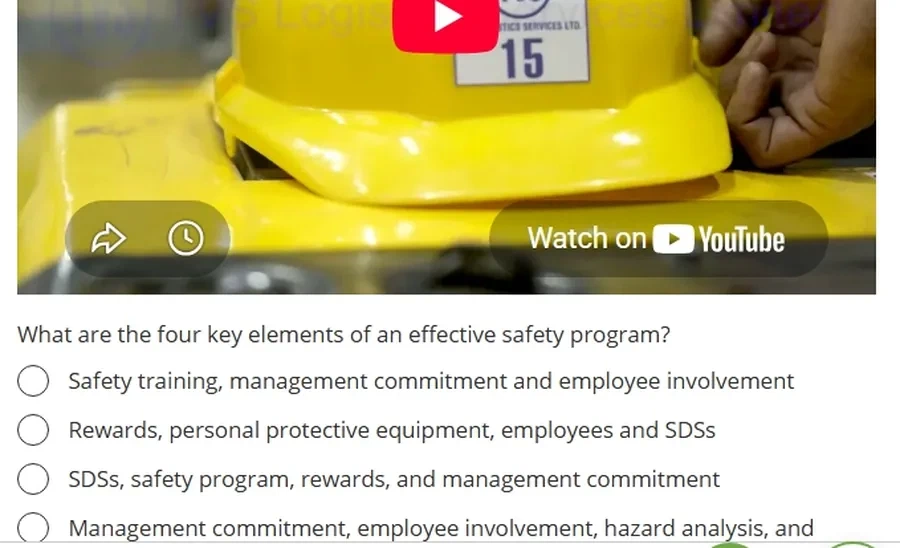
Build the quiz as a form
Open Forms in the left menu and add a form, then drag in the elements the session needs: a Video field to embed the clip, a Quiz field for each multiple-choice question with its correct answer(s), an Image or Headline to separate the parts. Mark the questions Required, then toggle the form to On so it can be attached to tasks.
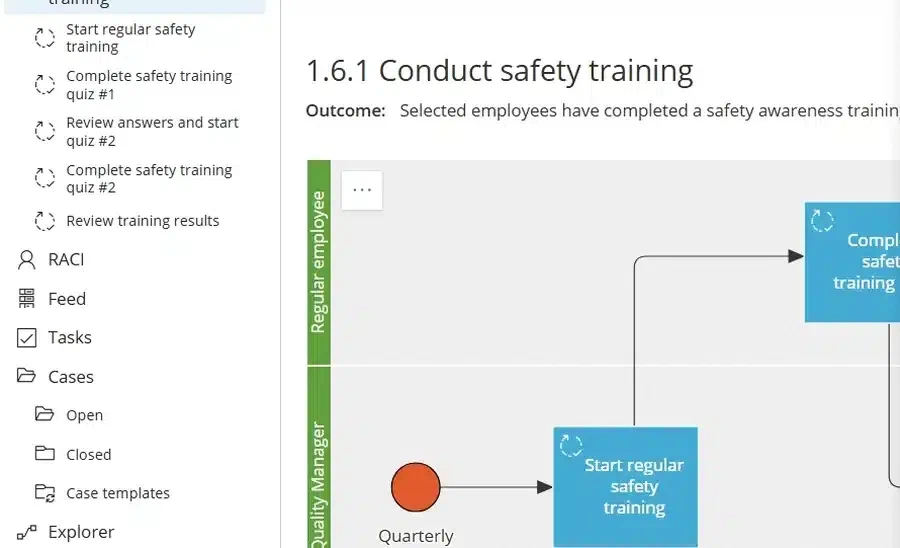
Attach it to the activity that needs it
Map the training as a process first - who starts the round, who takes which quiz, who reviews the answers - then attach the published form to the activity where the quiz belongs. In the example above, a Quality Manager starts the quarterly round, employees complete quiz #1 and #2, and a review activity sits between them.
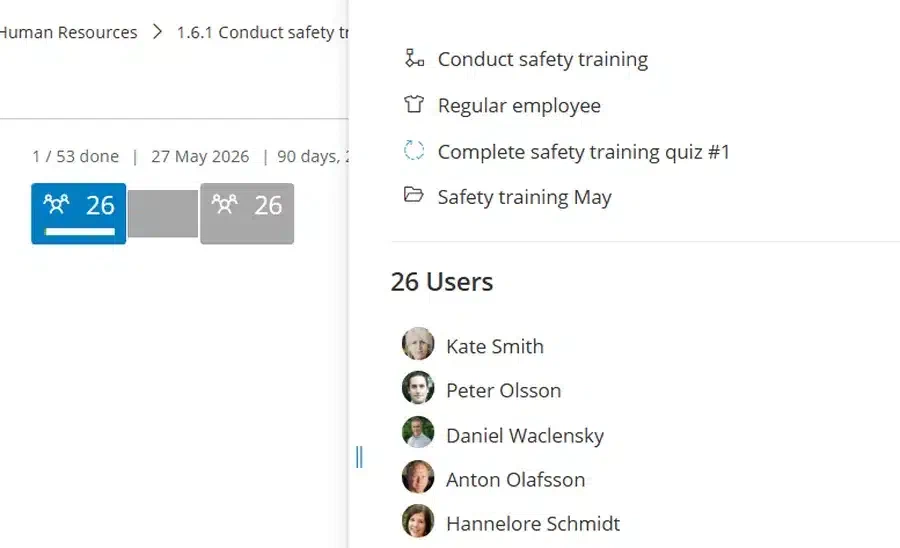
Run it as a case for everyone in the role
Start the training as a case from the case template. Tasks show to users with the right role at the right time, so the quiz reaches all twenty-six people holding that role without anyone assigning names one at a time. The case tracks how far the round has got and how many days are left to finish it.
People take it during the shift
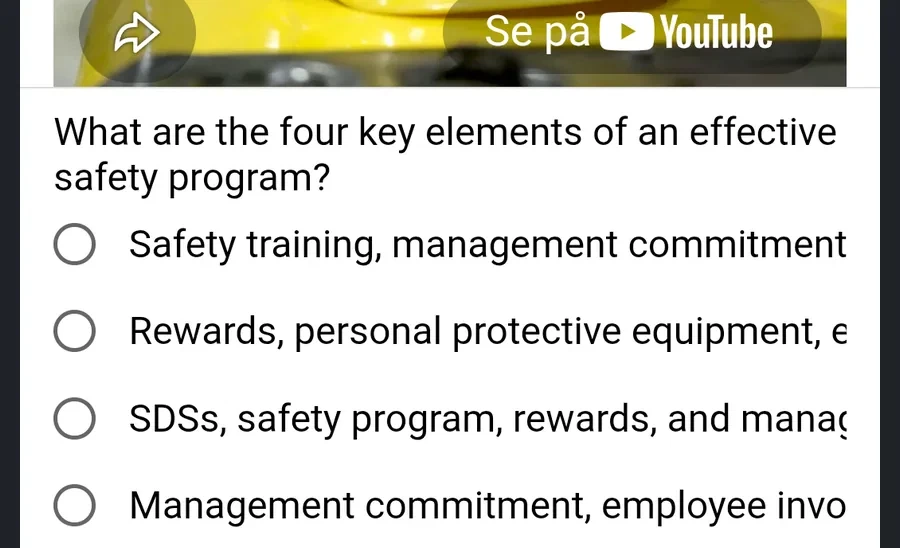
The quiz appears under My tasks and in the iOS and Android apps, video and all. Someone watches it, answers, and hits Submit. Gluu records who finished the task and when, and stores the answers as form data on the case for whoever reviews them.
Availability
Frequently asked questions
Do we still need an LMS?
Does Gluu score the quiz automatically?
Can a training quiz include a video?
Can people take the quiz on a phone?
How do we see who has not done it yet?
Can the same training repeat every quarter?
All Features