
Establishing process governance
Using RACI to clarify responsibilities
In this lesson, you’ll learn when RACI is worth using, how to build it, and how to keep it current - so accountability stays clear and decisions move faster.
Transcript
By the end of this lesson, you’ll be able to assign ownership confidently and create RACI matrices for selected processes.
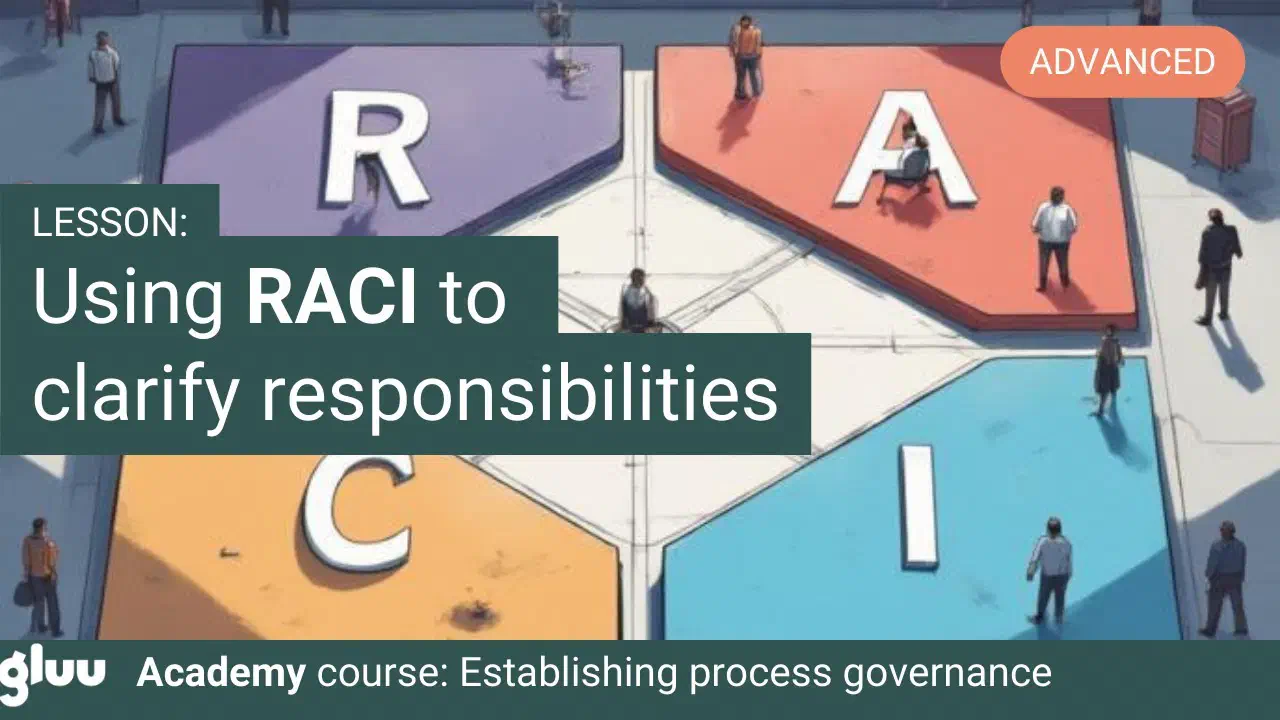
RACI clarifies who does what in a process:
- Responsible: does the work.
- Accountable: owns the outcome; gives the final yes/no.
- Consulted: gives expert input before decisions.
- Informed: kept in the loop after decisions.
It reduces ambiguity, speeds decisions, and prevents the ‘too many cooks’ problem.
Just by creating swimlane diagrams and connecting staff to roles you’re going further than most companies in clarifying roles and responsibilities.
When to use (and not use) RACI
So we recommend that you use RACI only when you need an extra layer of detail - for highly regulated, critical, or complex processes and activities.
It’s a power-tool to deploy only if responsibilities remain unclear once the process is working and stable.
Don’t use RACI for most routine processes; it adds overhead you don’t need. If your swimlanes, owners, and instructions already give clarity, stop there.
This is most important if you’re doing RACI mapping manually in a spreadsheet. If you don’t prioritize then maintenance becomes time-consuming and RACIs go stale.
Roles & competencies: your place in the RACI
Your place in a RACI should be derived from your process role and competencies:
- Responsible = the process role executing the activity (trained operator).
- Accountable = the Process Owner for the flow.
- Consulted = subject matter experts - Quality, Compliance, Security, Legal, IT, Data.
- Informed = adjacent roles or leaders who need updates.
This keeps governance tied to skills and knowledge, not job titles.
Building a RACI fast (five-step method)
Here are five steps to get started:
1) Scope: Pick a process or a single high-risk activity.
2) List roles: Pull from your process roles and SMEs.
3) Draft: Assign A once; R to the executing roles; C to SMEs; I to neighbors.
4) Test: Walk through a recent real case - did anyone block or feel surprised? Adjust.
5) Publish: Store with the process; tie notifications to R/A/C/I.
It should ideally be an add-on activity to your regular work of running, testing and improving processes.
Common pitfalls & fixes
Pitfalls to avoid:
- Multiple A’s. There can only be one final owner per process/activity.
- Everyone is C. Consulted means real input is needed - keep it tight.
- No I’s. Skipping Informed causes surprise escalations.
- Title-based RACIs. Anchor to roles/competence, not org boxes.
Cadence: keep RACI alive
Review RACIs in your monthly process owner meeting (changes from pilots, incidents, audits).
Do a quarterly sweep for regulated areas. Version changes and include a short change note so people understand why responsibilities shifted.
Use RACI to drive more targeted communications:
- R: task alerts, work instructions.
- A: KPI reviews, approvals, go/no-go decisions.
- C: draft reviews, risk and compliance checks.
- I: release notes, policy updates.
Right message, right audience, less noise.
Start now
1 process · 2 activities
Choose one process and two high-risk activities. If you use Gluu then let Gluu auto-assign A/R/C. Add the missing I’s, test on a recent case, and publish. If you’re manual, do this only for your top-priority flows. You’ll reduce ambiguity, accelerate decisions, and keep accountability crystal clear.